Points Marker
Render a set of point markers on the interactive map.
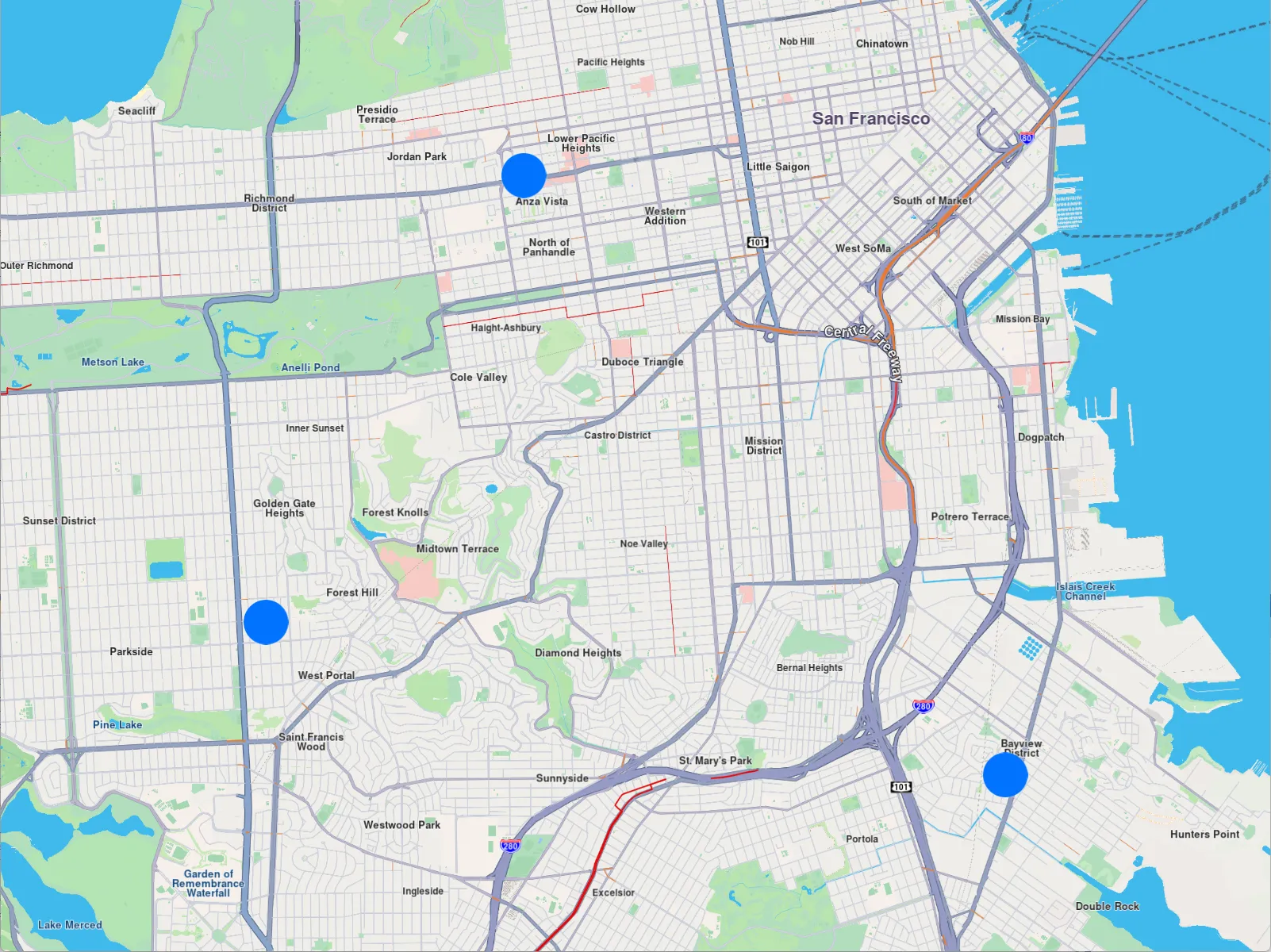
Points Marker
Instantiate a gem::MarkerCollection of the gem::EMarkerType::MT_Point type and give it a name. Add points to it, where each point contains a coordinate - a latitude, and a longitude, in degrees. Add the markers to the map using mapView->preferences().markers().add(col) and then center the map on the rectangle containing all the added points: mapView->centerOnArea(col.getArea()) so they all fit in the viewport.
auto col = gem::MarkerCollection(gem::EMarkerType::MT_Point, "test");

col.add({ 37.78301592799968, -122.44509746977026 });
col.add({ 37.744870145184954, -122.47291375685005 });
col.add({ 37.73182234501792, -122.39309744523473 });

mapView->preferences().markers().add(col);
mapView->centerOnArea(col.getArea());