GPX Import
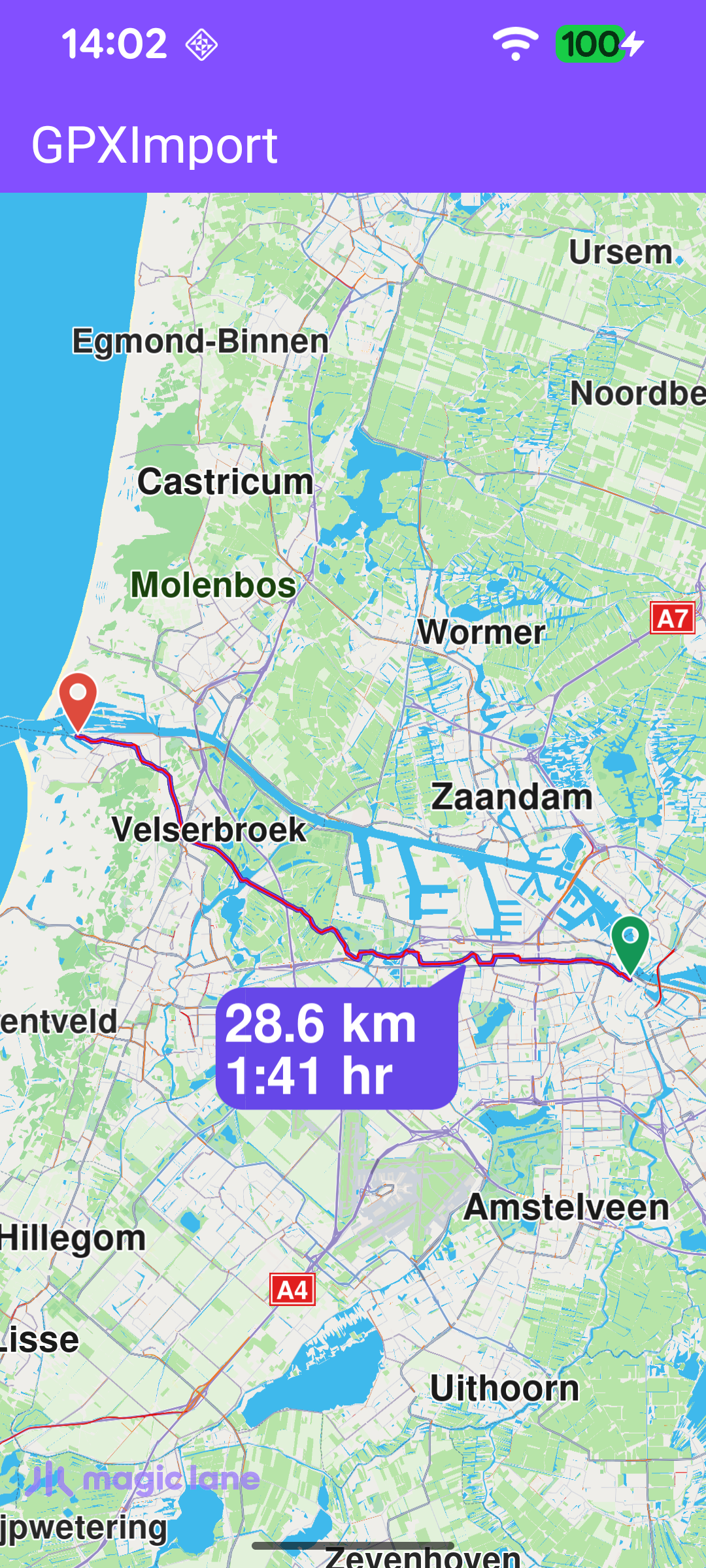
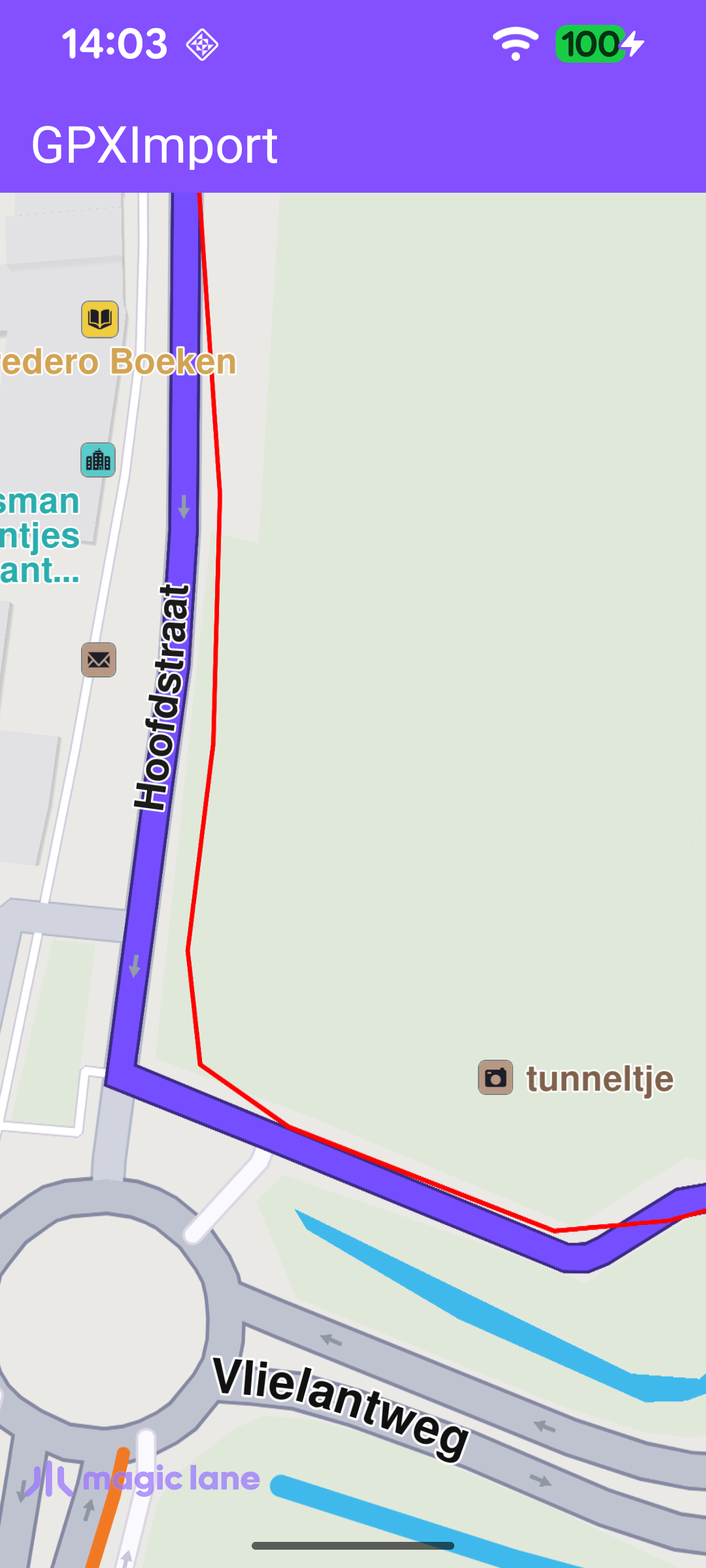
This example imports a GPX file bundled with the app, displays its recorded track on the map as a red path, and then computes a bike route that follows that track. The GPX data is parsed into a Path with Path.produceWithGpx, drawn on the map with presentPath, and handed to the routing service, which snaps a route onto the road network. The computed route is rendered with its distance and travel-time bubble.
Waiting for the road map before routing
The route can only be calculated once the worldwide road map data is available, so the example waits for the onWorldwideRoadMapSupportStatus callback to report UpToDate before importing the GPX file and computing the route. The listener is cleared as soon as it fires so the route is calculated only once.
Importing the GPX file and displaying the path
The GPX file is opened from the app assets and parsed into a Path with Path.produceWithGpx. The resulting track is drawn on the map as a red line with presentPath, and a bike route is requested along it with calculateRoute. calculateRoute returns immediately with a code indicating whether the route calculation was successfully started. If GemError.isError reports an error, an error dialog is shown. The computed route itself is delivered later, asynchronously, through the routing service's onCompleted callback.
Presenting the computed route
When the routing service finishes, the first computed route is shown on the map with presentRoute, including a bubble with the route name, distance, and travel time. If routing fails, the errorCode is resolved to a human-readable message with GemError.getMessage and surfaced to the user in an error dialog instead.