Finger Route

Last updated: June 19, 2026 | 4 minutes read

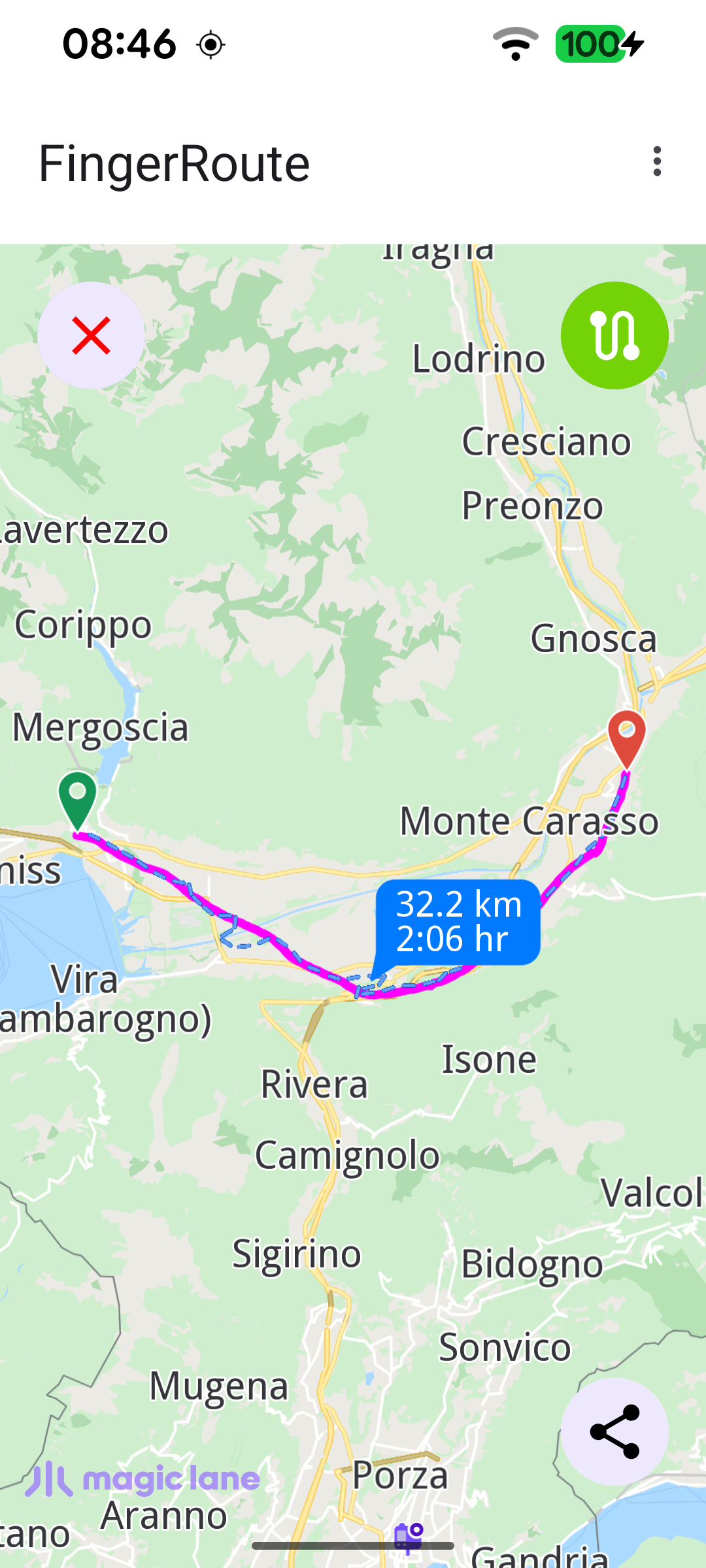
This example lets the user draw a path on the map with a finger and then computes a route that tries to follow that drawn line. The finger drawing is rendered as a magenta polyline marker; once the gesture ends, the collected coordinates are turned into a Path and handed to the routing service, which snaps a bike or pedestrian route onto the road network as close to the drawn line as possible. The transport mode is chosen from the overflow menu, the finger line can be shown or hidden with the top-right button, and the resulting route can be exported and shared as a GPX file.

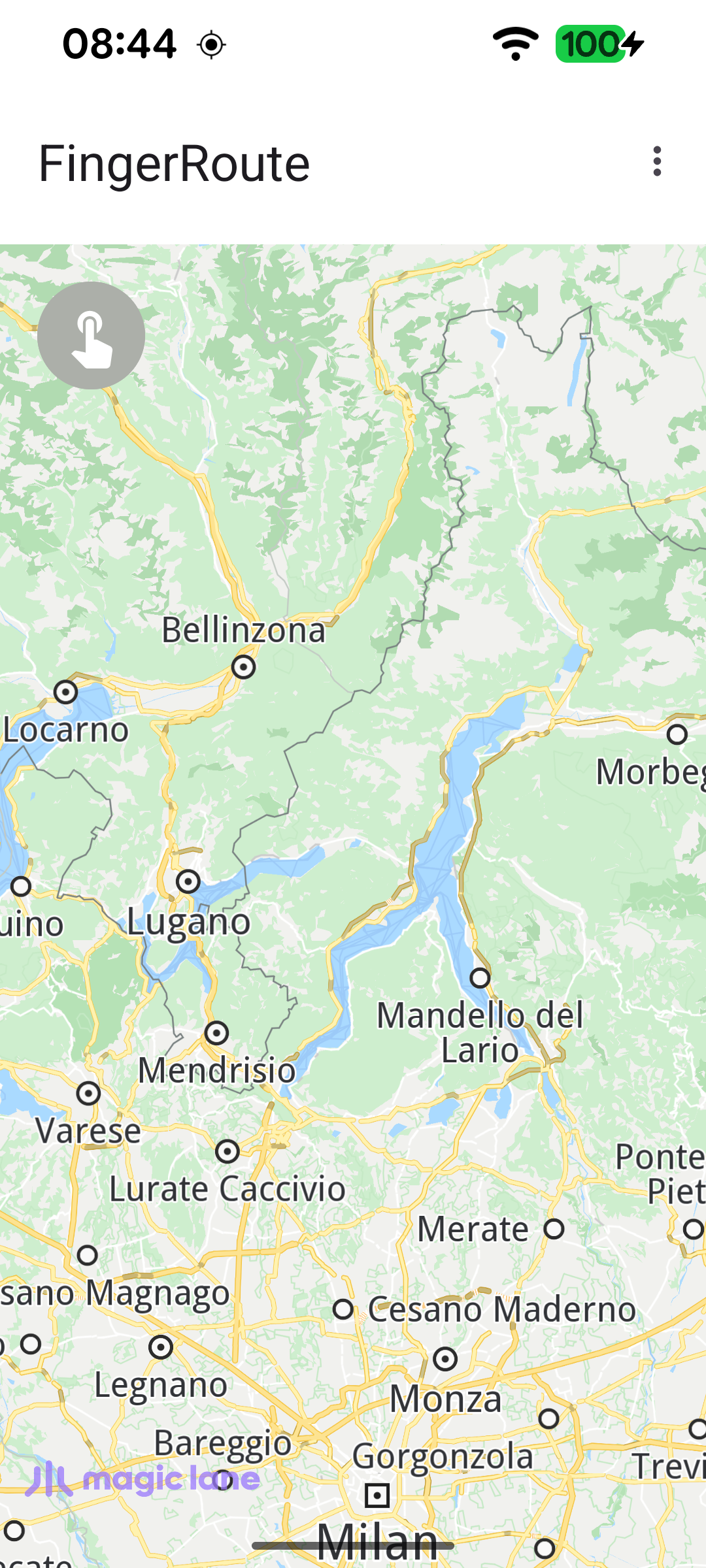
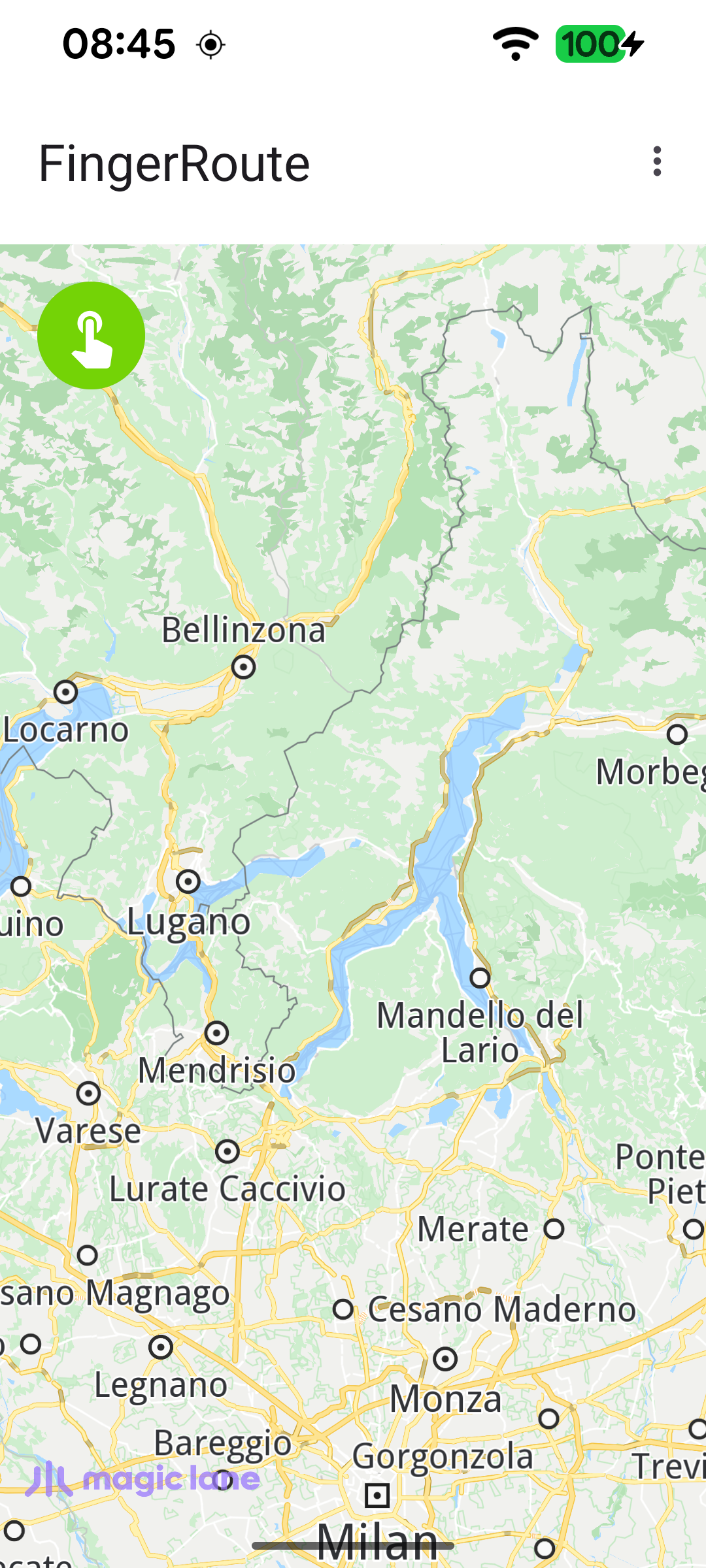
Map at start, drawing disabled
Finger-draw mode enabled (green button)
Route following the drawn finger line, with distance and time
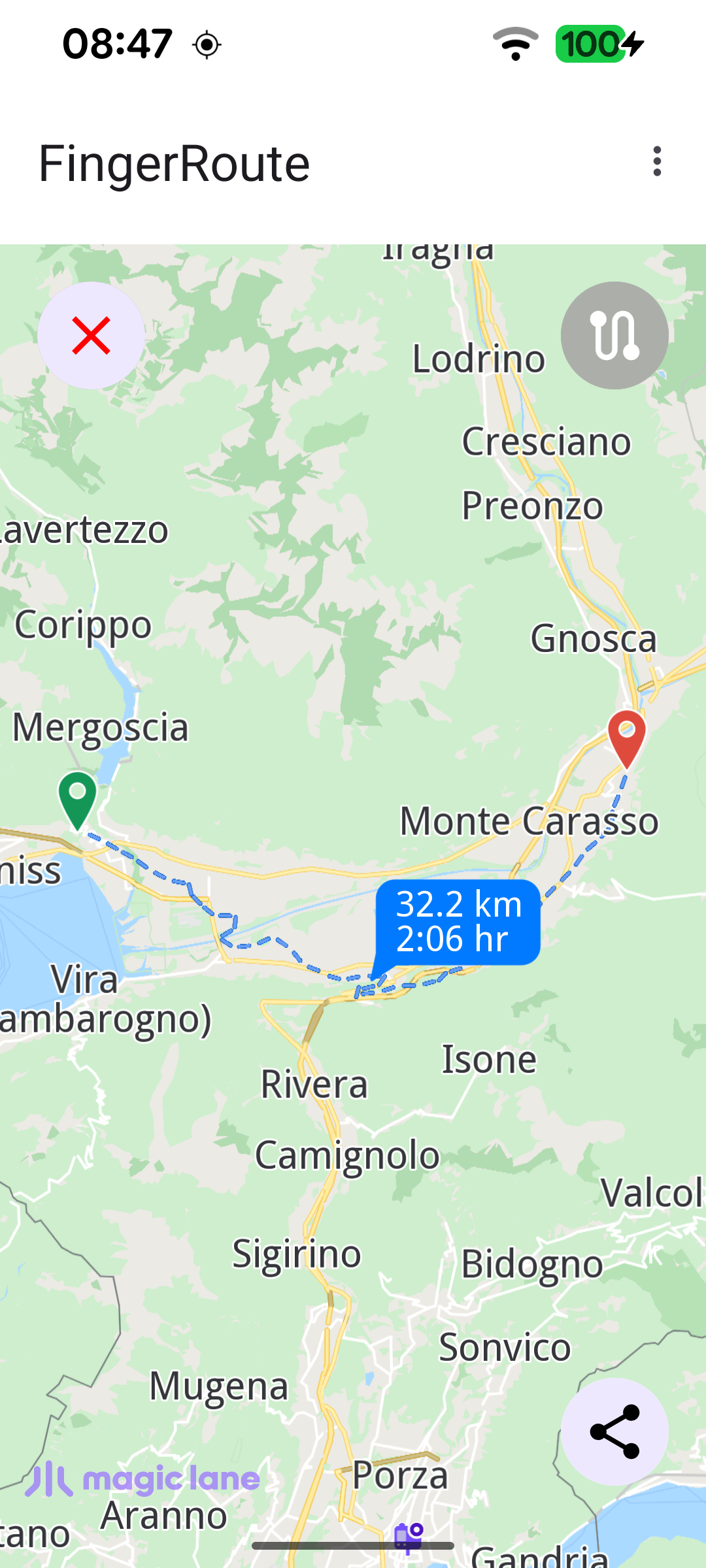
Finger line hidden via the top-right toggle
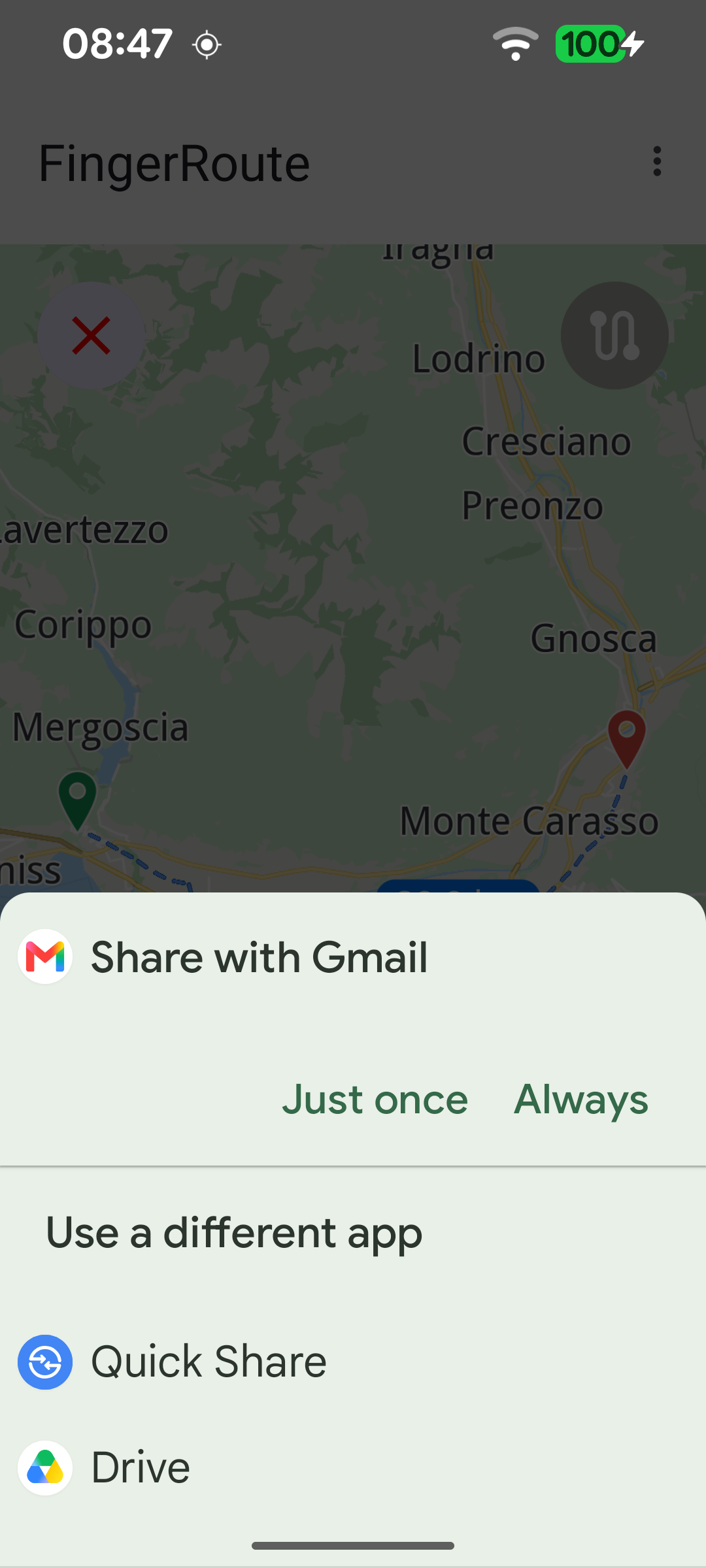
Sharing the route as a GPX file

Preparing the finger line marker and routing preferences

When the default map view is created, a polyline Marker is prepared with magenta render settings to draw the finger line, and the routing preferences are relaxed so the route can follow the freehand track instead of strictly obeying road restrictions.

MainActivity.ktView on Github
mapSurface.onDefaultMapViewCreated = { mapView ->
fingerLineRenderSettings.apply {
polylineInnerColor = Rgba.magenta()
polylineInnerSize = 1.5
}

routingService.preferences.apply {
ignoreRestrictionsOverTrack = true
accurateTrackMatch = false
}

// Align the Magic Lane logo with system window insets on first map creation.
updateFocusViewport()
applyCustomAssetStyle(mapView)
}

Capturing the finger drawing

While finger-route mode is active, the touch listener intercepts the gesture before the map handles it (returning false so the map does not pan). On ACTION_DOWN a new polyline marker part is started, on ACTION_MOVE points are appended - but only when they are at least 5 m apart, to filter out noise - and the screen coordinates are converted to WGS coordinates with transformScreenToWgs.

MainActivity.ktView on Github
mapSurface.onPreHandleTouchListener = { event ->
if (fingerRouteMode) {
event?.let {
SdkCall.execute {
mapSurface.mapView?.let { mapView ->
mapView.transformScreenToWgs(Xy(it.x, it.y))?.let { coordinates ->
when (it.action) {
MotionEvent.ACTION_DOWN -> {
fingerLineMarker.delPart(0)

if (fingerLineMarkerIndex < 0) {
fingerLineMarkerIndex = mapView.preferences?.markers
?.sketches(EMarkerType.Polyline)
?.add(fingerLineMarker, fingerLineRenderSettings) ?: -1
}

fingerLineMarker.add(coordinates)
}

MotionEvent.ACTION_MOVE -> {
val n = fingerLineMarker.getCoordinates()?.size ?: 0
if (n > 0) {
fingerLineMarker.getCoordinates()?.get(n - 1)?.let { last ->
// Only record points at least 5 m apart to avoid noise.
if (last.getDistance(coordinates) >= 5) {
fingerLineMarker.add(coordinates)
}
}
}
}

Computing the route from the drawn path

When the gesture ends, the collected coordinates are turned into a Path with Path.produceWithCoords, and calculateRoute is asked to compute a route along that path using the selected transport mode (bike or pedestrian).

MainActivity.ktView on Github
else -> {
fingerLineMarker.add(coordinates)

fingerLineMarker.getCoordinates()?.let { coordList ->
path = Path.produceWithCoords(coordList)
val error = routingService.calculateRoute(path, transportMode)
if (error != GemError.NoError) {
val message = GemError.getMessage(error, this)
runOnAliveUi {
showDialog(message)
setupTopLeftButton(TopLeftButtonState.ROUTING_OFF)
}
}
fingerRouteMode = false
}
}

Selecting the transport mode

The overflow menu lets the user switch between a bicycle and a pedestrian profile; the chosen mode is stored and applied to the next route calculation.

MainActivity.ktView on Github
override fun onOptionsItemSelected(item: MenuItem): Boolean {
return when (item.itemId) {
R.id.action_bike -> {
item.isChecked = true
transportMode = ERouteTransportMode.Bicycle
true
}

R.id.action_pedestrian -> {
item.isChecked = true
transportMode = ERouteTransportMode.Pedestrian
true
}

else -> super.onOptionsItemSelected(item)
}
}

Exporting the route as GPX

Once a route exists, the bottom-right button exports the drawn Path to the GPX format with exportAs, writes it to internal storage as route.gpx, and shares it through a standard Android send intent.
MainActivity.ktView on Github
binding.bottomRightButton.setOnClickListener {
SdkCall.execute {
path.exportAs(EPathFileFormat.Gpx)?.bytes?.let { bytes ->
val file = File(GemSdk.internalStoragePath, "route.gpx")
FileOutputStream(file).use { it.write(bytes) }
shareGPXFile(this@MainActivity, file)
}
}
}