This example downloads an onboard map from the content store and then simulates turn-by-turn navigation on it. On first launch the app needs an internet connection to fetch the map; once the map is stored on the device, the route is calculated locally and the simulation runs without any further online connection. It is the runtime-download counterpart of the Downloaded Onboard Map Simulation example, where the map is pre-bundled with the app instead of fetched on demand.
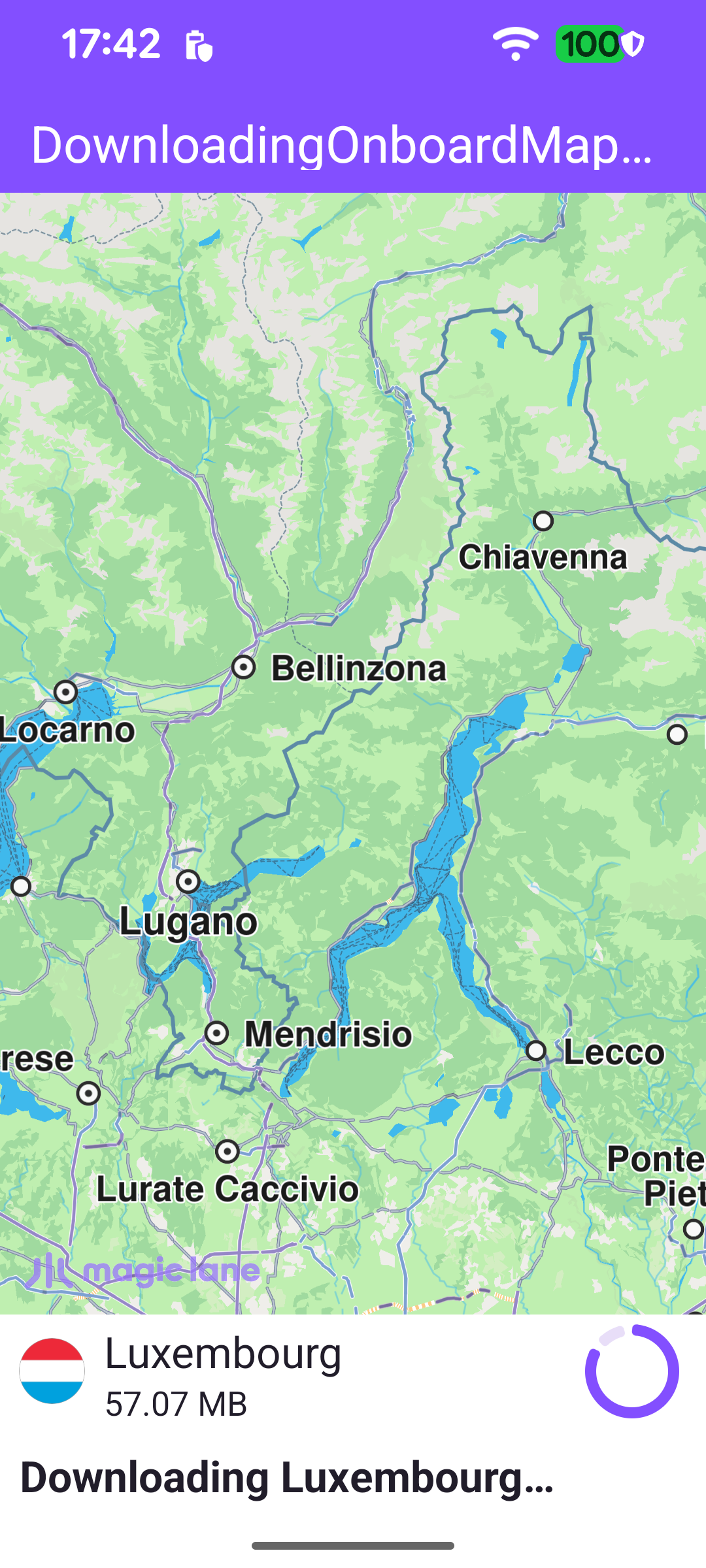
The example looks for a specific map by name (here, the Luxembourg map). If it is already present and complete, the simulation starts immediately; otherwise the map is downloaded first, with a panel showing the country flag, size and download progress. Once the download completes, the simulated trip runs from Luxembourg to Mersch, which both lie within that map.
Downloading the onboard map from the content store
When the SDK finishes initializing, the local content list is scanned for the required map. If a completed copy is already on the device, the simulation can start straight away; otherwise an internet connection is required to download it.
If the map is not present, the app verifies the app authorization and then asks the content store for the list of available road maps. The store list is fetched asynchronously through contentListener.
When the store list arrives, the listener finds the map whose name matches the required one. If it is not yet complete, an asyncDownload is started with its own progress listener that drives the download panel and, on completion, triggers the simulation.
While the map downloads, the panel displays the country flag, the map name and its total size, and onProgressUpdated advances the progress bar. As soon as the download completes the panel is hidden and the simulation starts.
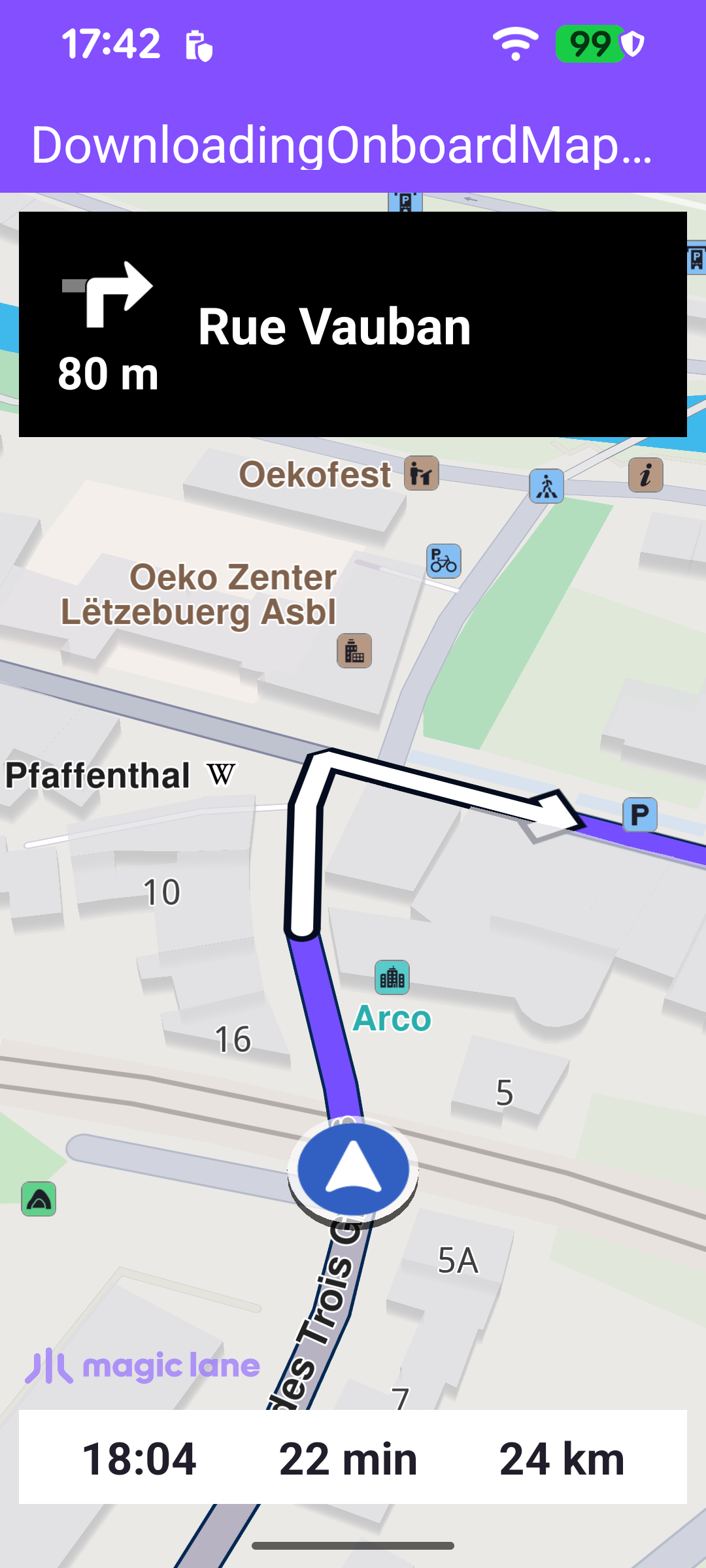
Whether the map was already on the device or has just finished downloading, onOnboardMapReady hides the download panel and starts the simulation. startSimulation defines the departure and destination waypoints and calls navigationService.startSimulation; on failure the error is reported in a dialog.
Once the simulation starts, navigation behaves exactly as in the other simulation examples: the route is presented on the map, the camera follows the simulated position, and the top and bottom panels are updated from the stream of navigation events delivered to the NavigationListener.