Bike Demo Java

Last updated: June 19, 2026 | 5 minutes read

This is the Java counterpart of the Bike Demo example: a complete bike navigation app. It shows the map at the current position, lets the user find a destination by free-text search, category, or by tapping the map, computes a route using a bicycle routing profile, and then runs turn-by-turn navigation or simulation along it. The bike profile is configurable: the user can switch between city, cross, mountain, and road bikes, toggle an electric bike and tune its parameters (hills factor, bike and biker weight, auxiliary consumption), and choose to avoid ferries or unpaved roads.

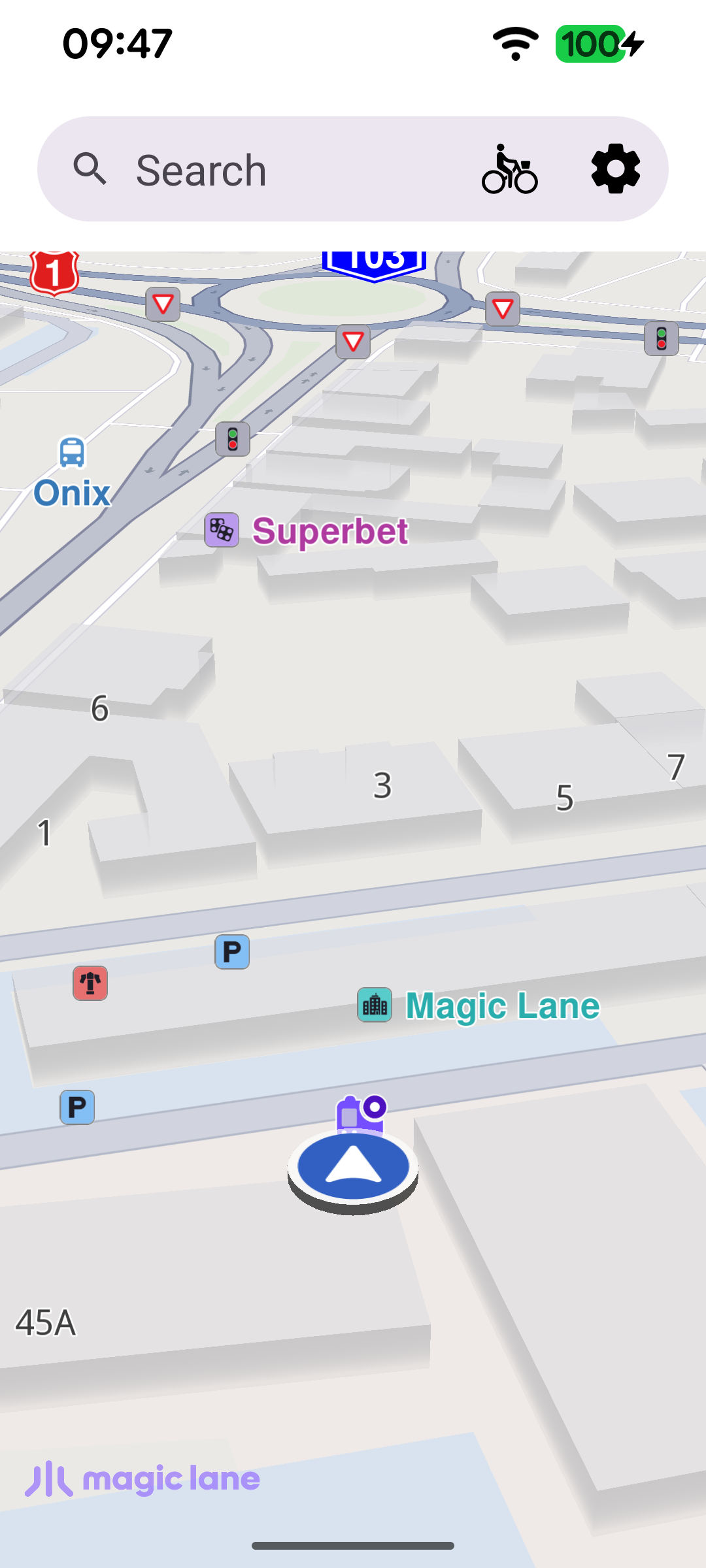
Map at current position
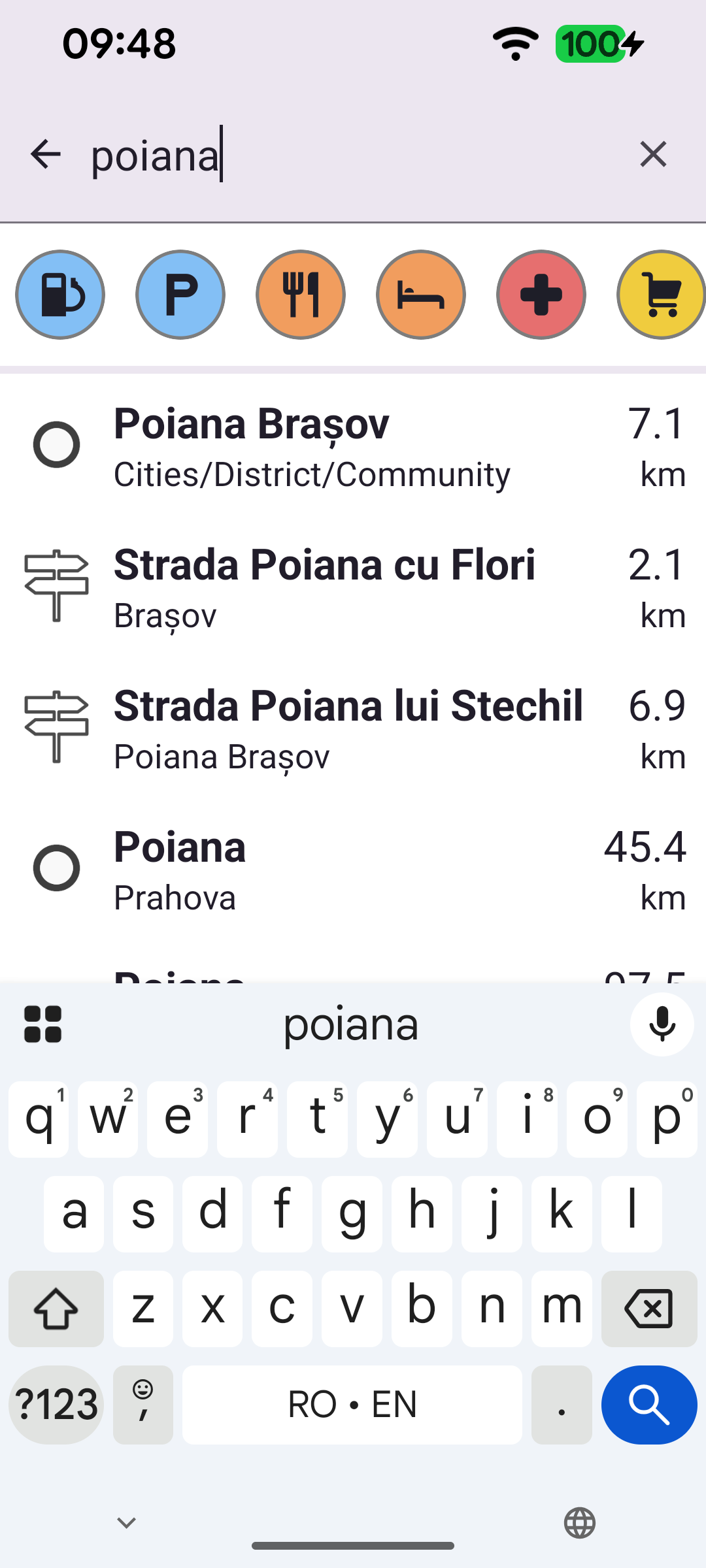
Free text search by typing a query
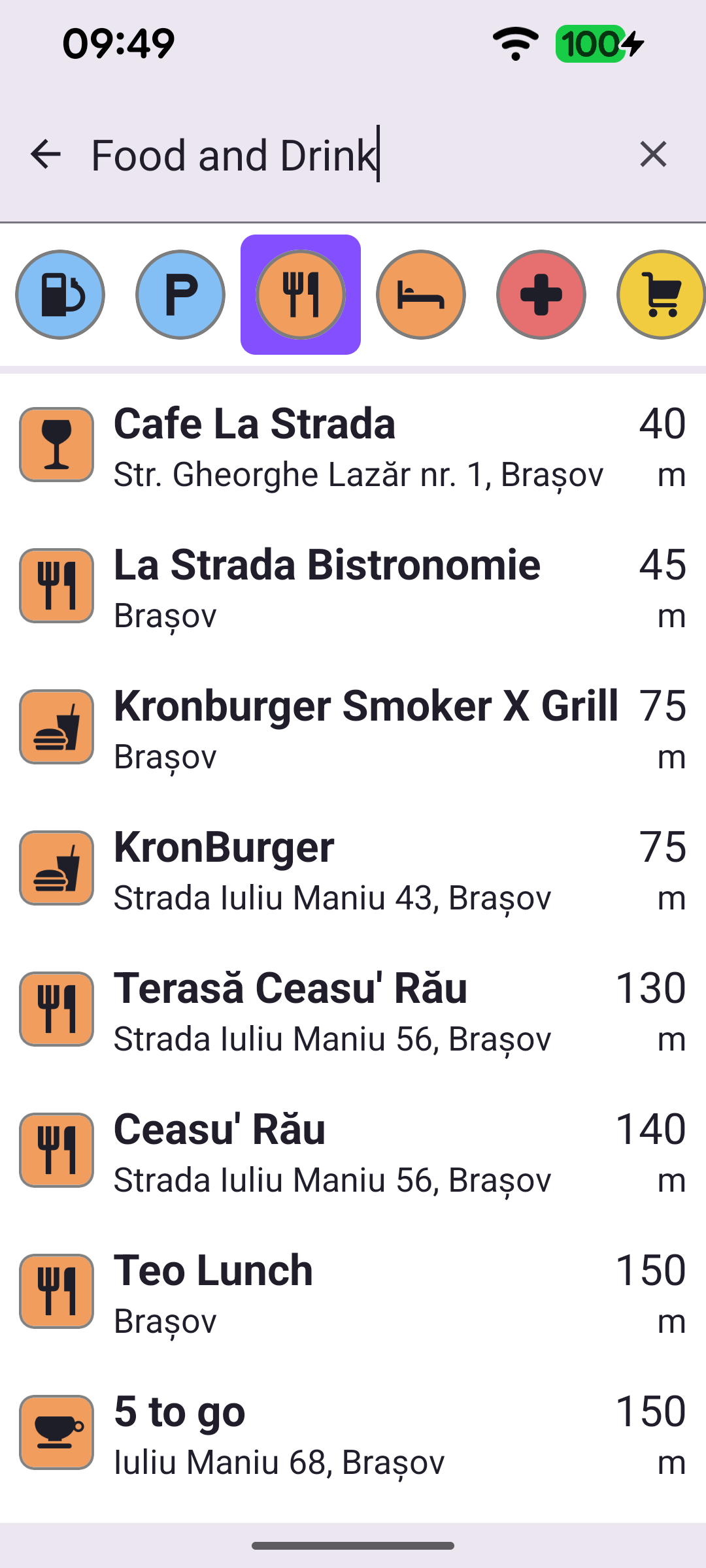
POI category search by tapping a chip
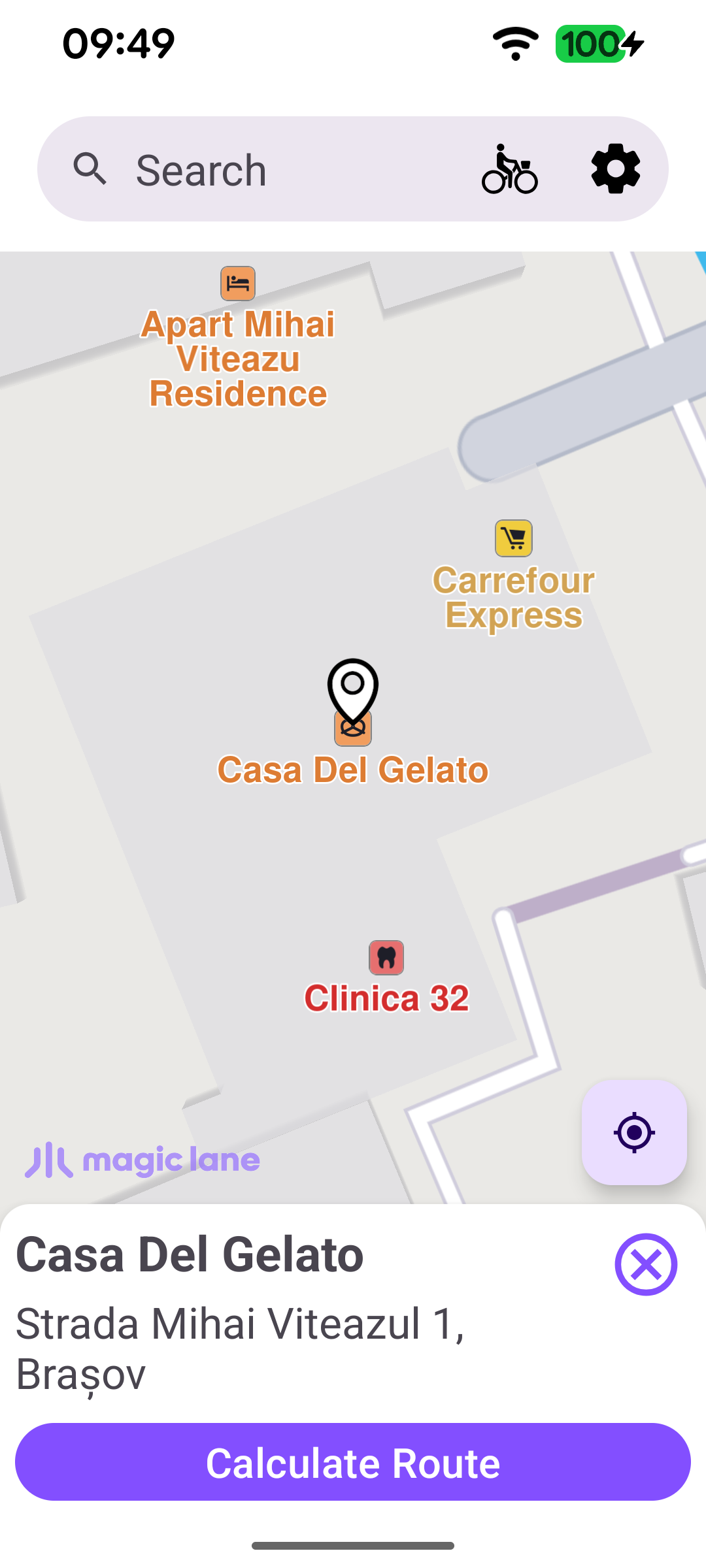
Calculate route to a destination
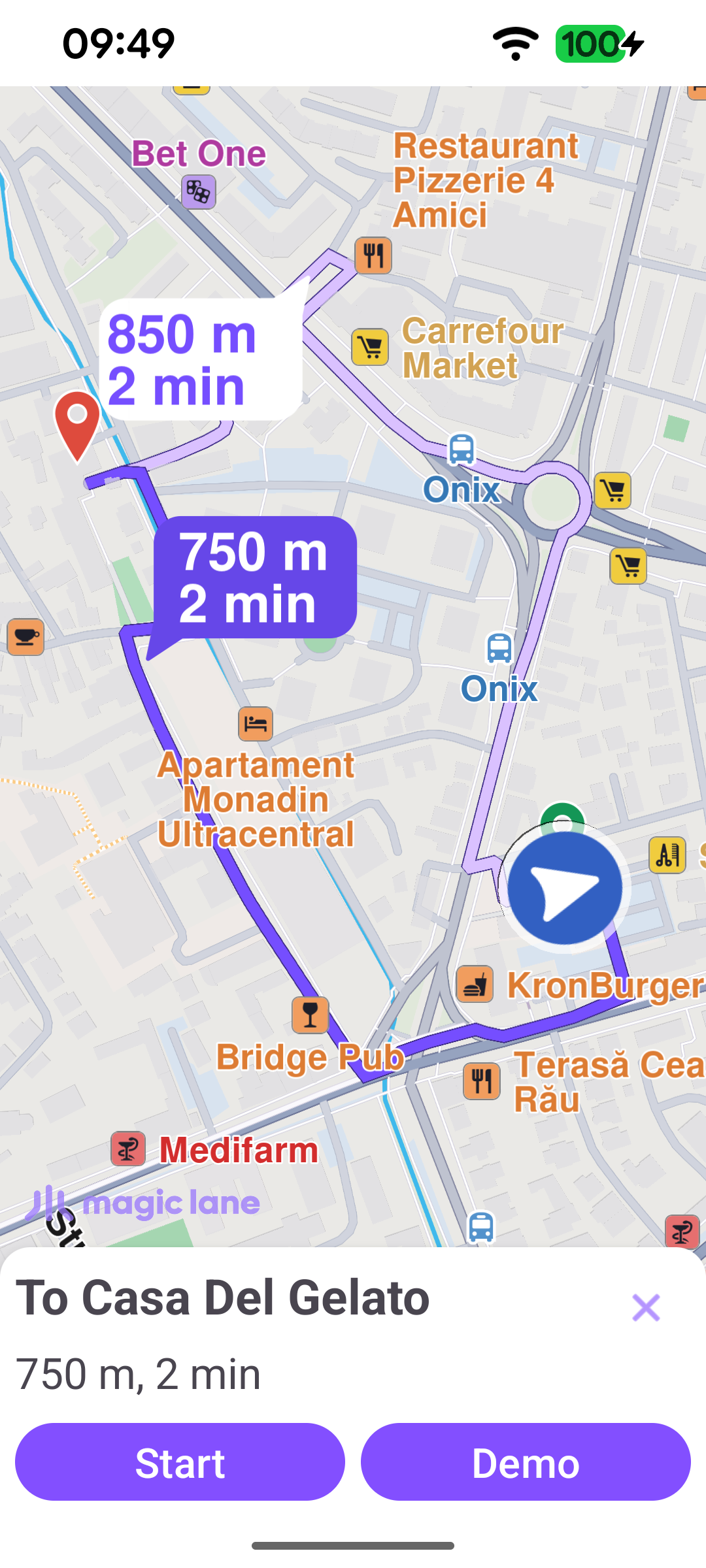
Bike route with start / simulate
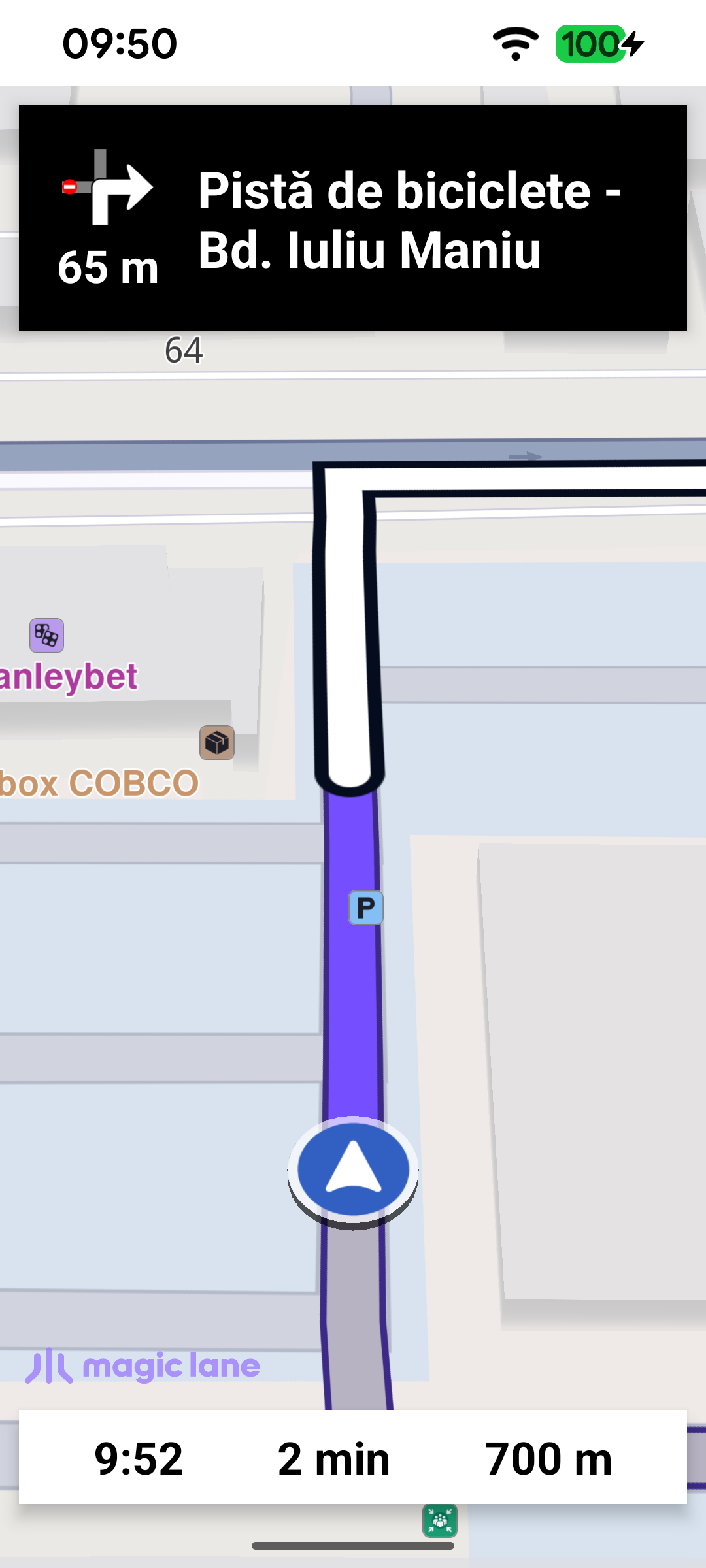
Turn-by-turn bike navigation

Setting up the bike routing profile

Routing for a bicycle is driven entirely by the RoutePreferences. The view model builds them once the map is ready: the transport mode is set to ERouteTransportMode.Bicycle and an initial EBikeProfile is applied with setBikeProfile. When the electric-bike toggle is on, an ElectricBikeProfile is passed in so the route accounts for battery consumption; otherwise null is used.

MainActivityViewModel.javaView on Github
public void initPreferences() {
electricBikeProfile = new ElectricBikeProfile(EEBikeType.Pedelec, null, null, null, null);
routePreferences = new RoutePreferences();
routePreferences.setTransportMode(ERouteTransportMode.Bicycle);
routePreferences.setBikeProfile(EBikeProfile.City, isElectric ? electricBikeProfile : null);
}

public void setBikeProfile(EBikeProfile type) {
GemCall.INSTANCE.execute(() -> {
bikeProfile = type;
routePreferences.setBikeProfile(type, isElectric ? electricBikeProfile : null);
return null;
});
}

Configuring the position source for cycling

As soon as the default map view is created, the position data source is configured for cycling. Setting ImprovedPositionDefTransportMode to "bike" makes the position arrow snap to bike-accessible roads even outside navigation, while enabling ImprovedPosPreferRouteSnap keeps it locked to the active route while navigating.

MainActivity.javaView on Github
ArrayList<Parameter> parametersList = new ArrayList<>();
parametersList.add(new Parameter(ESConfigKeys.Position.ImprovedPosPreferRouteSnap, "", "1"));
parametersList.add(new Parameter(ESConfigKeys.Position.ImprovedPositionDefTransportMode, "", "bike"));
if (PositionService.INSTANCE.getDataSource() != null) {
PositionService.INSTANCE.getDataSource().setPreferences(EDataType.Position, parametersList);
}

Calculating the bike route

When the user confirms a destination, the route is computed from the current position with the RoutingService. The bike RoutePreferences built by the view model are assigned to the service right before calculateRoute, so every calculation reflects the currently selected bike profile and settings. calculateRoute only reports whether the calculation could be started: if it returns an error the request never began - so the progress UI is cleared and the failure is shown right away - whereas a successful start is followed later by the service's onCompleted callback.

MainActivity.javaView on Github
private void calculateRoute(Landmark departure, Landmark destination) {
GemCall.INSTANCE.execute(() -> {
ArrayList<Landmark> waypoints = new ArrayList<>();
waypoints.add(departure);
waypoints.add(destination);

routingService.setPreferences(viewModel.routePreferences);
int error = routingService.calculateRoute(
waypoints,
viewModel.routePreferences.getTransportMode(),
false,
null,
null,
null
);
if (error != GemError.NoError) {
// The computation never started, so onStarted/onCompleted won't fire: clear any
// progress UI and report the failure.
String message = GemError.INSTANCE.getMessage(error, this);
runOnAliveUi(() -> {
binding.progressBar.setVisibility(View.GONE);
binding.cancelButton.setVisibility(View.GONE);
showDialog(getString(R.string.routing_error, message));
});
}
return null;
});
}

Starting navigation or simulation

Once a route is ready it is presented on the map and the user can either Start real turn-by-turn navigation or run a Demo (simulation) along it. Both use the same NavigationService and NavigationListener; the only difference is startNavigationWithRoute versus startSimulationWithRoute.

MainActivity.javaView on Github
Route mainRoute = mapView.getPreferences().getRoutes().getMainRoute();
if (mainRoute != null) {
int error = navigationService.startSimulationWithRoute(
mainRoute,
navigationListener,
navigationProgressListener,
1.0f
);

if (error != GemError.NoError) {
runOnUiThread(() -> showDialog(
getString(R.string.route_simulation_error, GemCall.INSTANCE.runSynced(() -> GemError.INSTANCE.getMessage(error, MainActivity.this)))
));
}

removeAllRoutesFromMapExceptMainRoute(mapView.getPreferences().getRoutes(), mainRoute);
}

Tuning the bike profile

The settings screen exposes the parameters that shape the route. The E-Bike switch turns the electric profile on or off, the Hills slider sets avoidBikingHillFactor, and additional switches and sliders let the user avoid ferries or unpaved roads and tune the electric profile's bike mass, biker mass, and auxiliary consumption. Each control writes straight back into the shared RoutePreferences / ElectricBikeProfile, so the next calculated route picks the changes up immediately.
MainActivityViewModel.javaView on Github
public List<SettingsItem> getSettingsList() {
settingsList.clear();

settingsList.add(new SettingsSwitchItem("E-Bike", isElectric, this::setIsElectric));

settingsList.add(new SettingsSliderItem("Hills", 0f, hillsFactor, 10f, "", value -> {
hillsFactor = value;
GemCall.INSTANCE.execute(() -> {
routePreferences.setAvoidBikingHillFactor(value);
return null;
});
}));

settingsList.add(new SettingsSwitchItem("Avoid Ferries", avoidFerries, value -> {
avoidFerries = value;
GemCall.INSTANCE.execute(() -> {
routePreferences.setAvoidFerries(value);
return null;
});
}));

settingsList.add(new SettingsSwitchItem("Avoid Unpaved Roads", avoidUnpavedRoads, value -> {
avoidUnpavedRoads = value;
GemCall.INSTANCE.execute(() -> {
routePreferences.setAvoidUnpavedRoads(value);
return null;
});
}));