
Fly To Area

Last updated: June 19, 2026 | 4 minutes read

This example demonstrates how to search for a landmark and fly the camera to its geographic area. The app runs a text search for a fixed landmark (the Statue of Liberty), animates the camera to frame the landmark's area within the visible map, and highlights the area's contour. The map remains fully interactive, supporting pan, pinch-zoom, rotate and tilt.
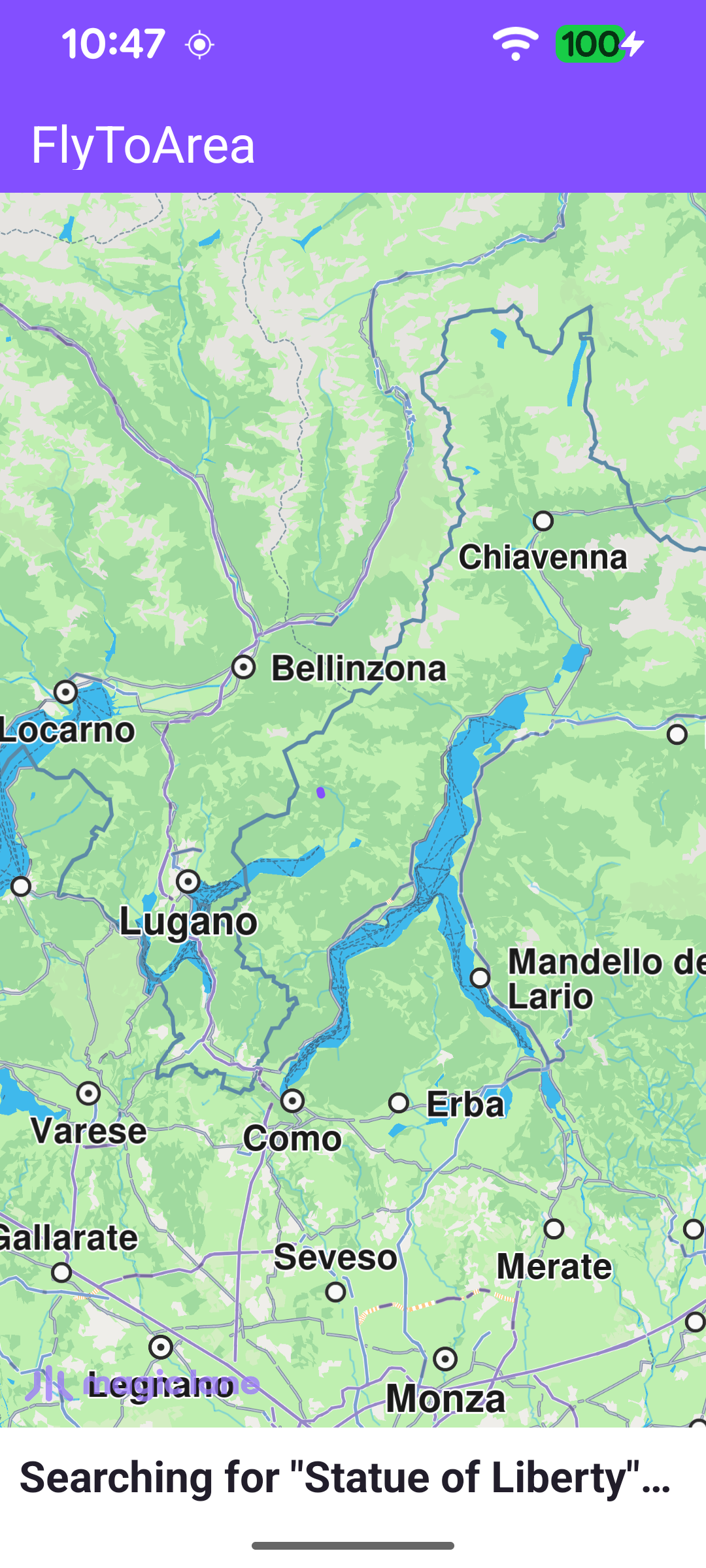
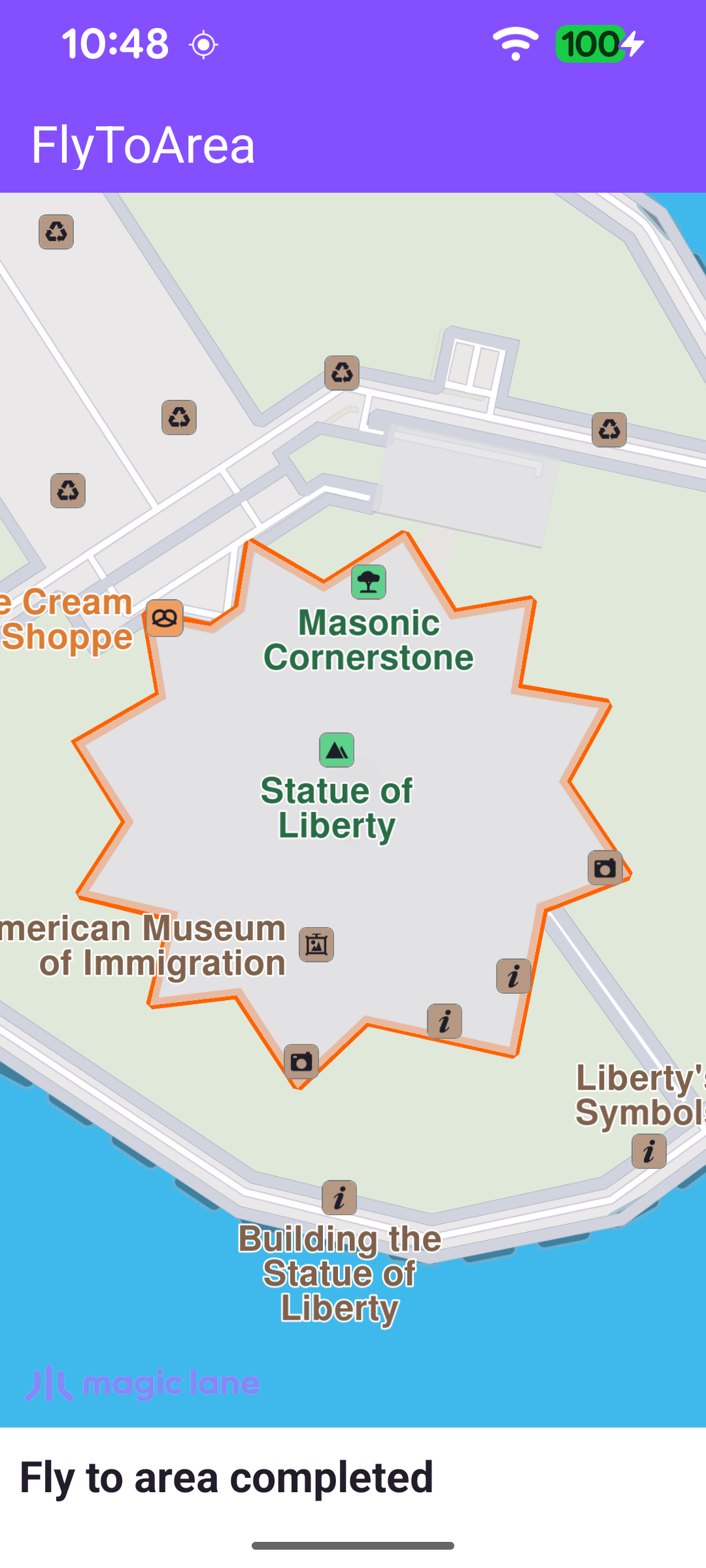
Search for "Statue of Liberty"
The landmark's area is framed and its contour is highlighted

The search runs once the worldwide road map is confirmed up to date. The callback is cleared immediately so it fires only once, then searchByFilter is called with the query and a reference point. The coordinates passed to searchByFilter only bias result relevance; they are not required for the search to work.

searchByFilter returns an error code immediately. A non-NoError value means the search never started, so the onCompleted callback won't fire to clear the progress bar - the error is therefore surfaced here, hiding the progress bar and showing a status message.

MainActivity.ktView on Github
SdkSettings.onWorldwideRoadMapSupportStatus = { status ->
if (status == EOffboardListenerStatus.UpToDate) {
// One-shot: clear after map data is confirmed up to date, then trigger search.
SdkSettings.onWorldwideRoadMapSupportStatus = {}

SdkCall.execute {
val demoSearchCenter = Coordinates(40.68925476, -74.04456329)
val errorCode = searchService.searchByFilter(demoSearchQuery, demoSearchCenter)

// A non-NoError result means the search never started, so onCompleted
// won't fire to clear the progress bar - surface the error here instead.
if (errorCode != GemError.NoError) {
val errorMessage = GemError.getMessage(errorCode, this)
runOnAliveUi {
binding.progressBar.visibility = View.GONE
showStatusMessage(
getString(R.string.search_completed_with_error, errorMessage),
)
}
}
}
}
}

Handling the Search Result

When the search completes, the first result is passed to flyTo. The progress bar and status messages reflect the search state, and any error is surfaced to the user.

MainActivity.ktView on Github
private val searchService = SearchService(
onStarted = {
runOnAliveUi {
binding.progressBar.visibility = View.VISIBLE
showStatusMessage(getString(R.string.searching))
}
},

onCompleted = { results, errorCode, _ ->
runOnAliveUi {
binding.progressBar.visibility = View.GONE

when (errorCode) {
GemError.NoError -> {
if (results.isNotEmpty()) {
flyTo(results[0])
} else {
showStatusMessage(getString(R.string.no_search_results))
}
}
else -> {
showStatusMessage(
getString(
R.string.search_completed_with_error,
SdkCall.runSynced { GemError.getMessage(errorCode, this) },
),
)
}
}
}
},
)

Flying to the Landmark's Area

flyTo reads the landmark's geographicArea and animates the camera to frame it with centerOnRectArea. The animation's onStarted and onCompleted callbacks update the status text, and the landmark's area contour is highlighted on the map with a mapView.activateHighlightLandmarks call.

MainActivity.ktView on Github
private fun flyTo(landmark: Landmark) = SdkCall.execute {
landmark.geographicArea?.let { area ->
binding.gemSurfaceView.mapView?.let { mapView ->
// Center the map on the landmark's geographic area using a linear animation.
mapView.centerOnRectArea(
area,
zoomLevel = -1,
viewRc = getFreeScreenRect(),
Animation(EAnimation.Linear, flyToAnimationDurationMs, onStarted = {
showStatusMessage(getString(R.string.fly_to_area_started))
}, onCompleted = { _, _ ->
showStatusMessage(getString(R.string.fly_to_area_completed))
}),
)

// Highlight the landmark's area contour on the map.
mapView.activateHighlightLandmarks(landmark, HighlightRenderSettings(EHighlightOptions.ShowContour))
}
}
}

The camera is framed into a rectangle rather than the full surface so the landmark's area is never hidden behind the toolbar or the status text overlay. getFreeScreenRect() builds that rectangle from the toolbar position, the window insets, the status panel and a fixed margin.

MainActivity.ktView on Github
// Computes the usable map rect excluding the toolbar above and the status text overlay below.
private fun getFreeScreenRect(): Rect {
val root = binding.root
val insets = ViewCompat.getRootWindowInsets(root)
?.getInsets(WindowInsetsCompat.Type.systemBars() or WindowInsetsCompat.Type.displayCutout())

val width = root.width.takeIf { it > 0 } ?: resources.displayMetrics.widthPixels
val height = root.height.takeIf { it > 0 } ?: resources.displayMetrics.heightPixels

val left = insets?.left ?: 0
val right = (width - (insets?.right ?: 0)).coerceAtLeast(left)

val topInset = insets?.top ?: 0
val toolbarBottom = binding.toolbar.bottom.takeIf { it > 0 } ?: 0
val top = maxOf(topInset, toolbarBottom)

val insetBottom = height - (insets?.bottom ?: 0)
val statusTop = if (binding.statusText.isVisible && binding.statusText.top > 0) {
binding.statusText.top
} else {
insetBottom
}
val bottom = minOf(insetBottom, statusTop).coerceAtLeast(top)

val paddedLeft = left + mapInsetPaddingPx
val paddedTop = top + mapInsetPaddingPx
val paddedRight = (right - mapInsetPaddingPx).coerceAtLeast(paddedLeft)
val paddedBottom = (bottom - mapInsetPaddingPx).coerceAtLeast(paddedTop)

return Rect(paddedLeft, paddedTop, paddedRight, paddedBottom)
}