
Define Persistent Roadblock

Last updated: June 19, 2026 | 3 minutes read

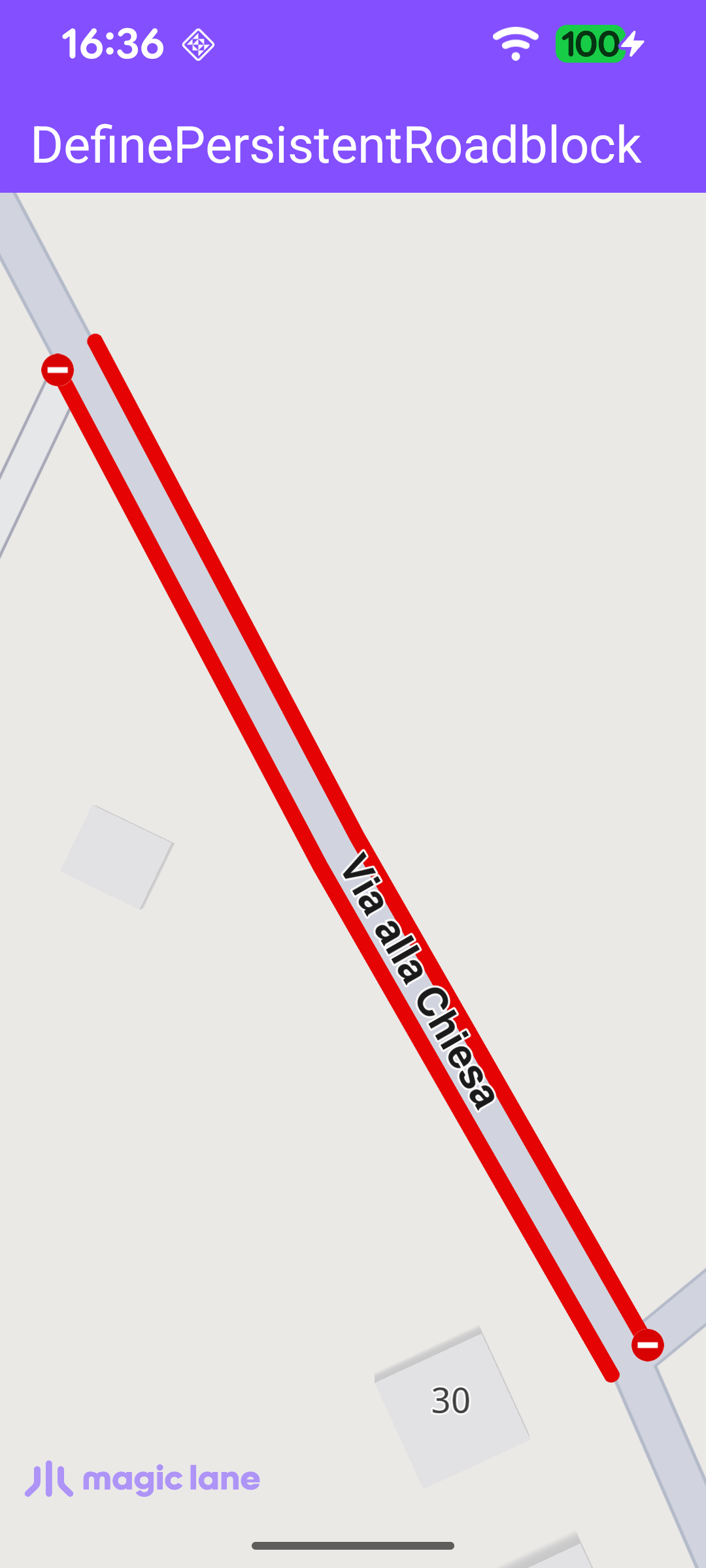
This example demonstrates how to define a persistent roadblock on a road by tapping the map, and how to center the camera on it. Once the map is loaded, the user should zoom in and tap a road; the tapped section is blocked for one minute and marked with red roadblock polylines (on one or both sides of the road, depending on the road type). Tapping a different road section moves the roadblock there. The map is fully 3D and interactive, supporting pan, pinch-zoom, rotate and tilt.
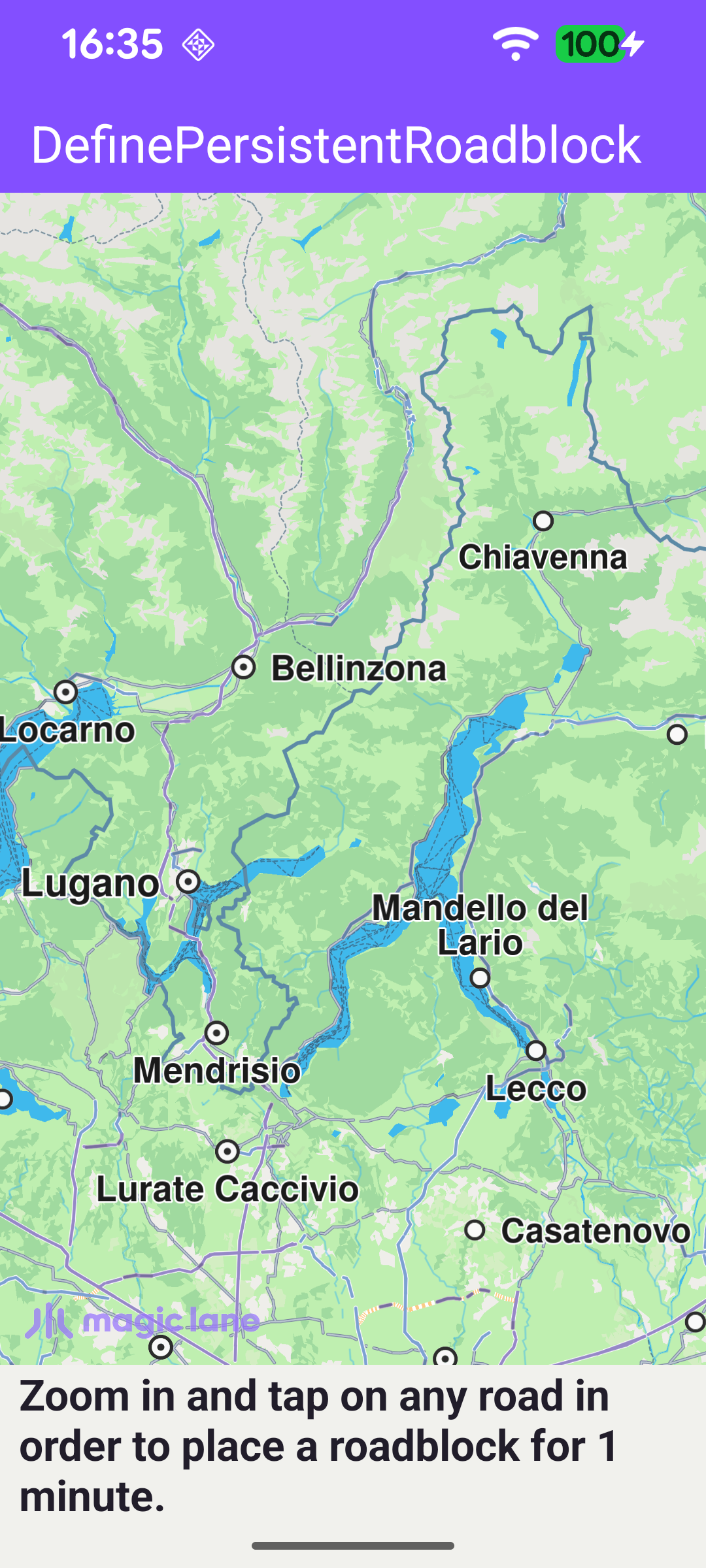
Zoom in and tap a road to define a roadblock
The map centers on the user-defined roadblock

Tracking the Current Roadblock

A single nullable field holds the roadblock currently placed by the user, so it can be removed before a new one is added.

MainActivity.ktView on Github
// The currently active roadblock; kept so it can be removed before placing a new one.
private var roadblock: TrafficEvent? = null

Handling Map Taps

Once the default map view is created, an onTouch handler is installed. Each tap sets cursorScreenPosition so the map can be hit-tested at that point. If the tap lands on an existing roadblock (cursorSelectionTrafficEvents with isRoadblock), it is ignored; otherwise, if it lands on a street (cursorSelectionStreets), the first street's coordinates are used to place a new roadblock.

MainActivity.ktView on Github
mapView.onTouch = { xy ->
SdkCall.execute {
// Tell the map view where the touch happened so hit-testing is accurate.
gemSurfaceView.mapView?.cursorScreenPosition = xy

// Ignore taps on existing roadblocks; only bare street taps place new ones.
val trafficEvents = gemSurfaceView.mapView?.cursorSelectionTrafficEvents
if (!trafficEvents.isNullOrEmpty() && trafficEvents[0].isRoadblock) {
return@execute
}

val streets = gemSurfaceView.mapView?.cursorSelectionStreets
if (!streets.isNullOrEmpty()) {
streets[0].coordinates?.let { addPersistentRoadblock(it) }
}
}
}

Adding the Roadblock

addPersistentRoadblock defines a roadblock that starts now and expires one minute later. If a previous roadblock exists, it is removed first via its reference point, then the new one is added with Traffic.addPersistentRoadblock for the car transport mode. When the resulting roadblock has a valid reference point, the camera is animated to its bounding box with centerOnRectArea - framed inside the free space left by the toolbar and system bars - and the on-screen hint is hidden.

MainActivity.ktView on Github
private fun addPersistentRoadblock(coordinates: Coordinates) {
val startTime = Time.getUniversalTime()
// The roadblock expires after 1 minute; incrementing the minute field is how the SDK API works.
val endTime = Time.getUniversalTime().also { it?.minute += 1 }

if (startTime == null || endTime == null) return

val traffic = Traffic()

// Remove the previous roadblock before placing the new one at the tapped location.
roadblock?.referencePoint?.let { traffic.removePersistentRoadblock(it) }

roadblock = traffic.addPersistentRoadblock(
coords = arrayListOf(coordinates),
startUTC = startTime,
expireUTC = endTime,
transportMode = ERouteTransportMode.Car.value,
)

if (roadblock?.referencePoint?.valid() == true) {
roadblock?.boundingBox?.let {
gemSurfaceView.mapView?.centerOnRectArea(
area = it,
zoomLevel = -1,
viewRc = getFreeSpaceRectangle(),
animation = Animation(EAnimation.Linear, duration = 900),
)
}
runOnAliveUi {
binding.hint.visibility = View.GONE
// Hint gone; restore the full-height viewport.
updateFocusViewport()
}
}
}