Places & Search
This collection of articles showcases a comprehensive suite of precision-driven location and search techniques - instantly delivering accurate POI results for landmarks, restaurants, businesses, cities, neighborhoods, attractions, and specific addresses; enabling the discovery of nearby, departure-point, or destination-relevant places (for example, EV charging stations) with essential details such as pricing, hours of operation, and landmark information; and providing global data online or offline, all seamlessly embedded directly in the map for up-to-the-minute, reliable navigation every time.
Search
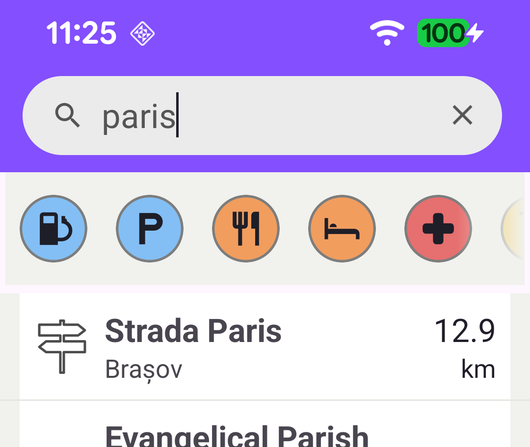
Search places by free text or by POI category and display them in a list.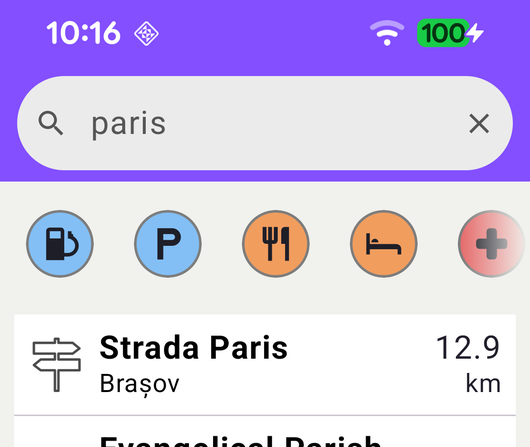
Search Compose
Search places by free text or by POI category with a Jetpack Compose UI.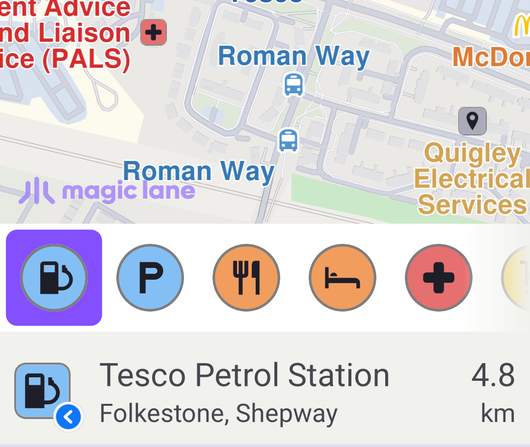
Search Along Route
Search for POIs along a route and highlight a selected result on the map.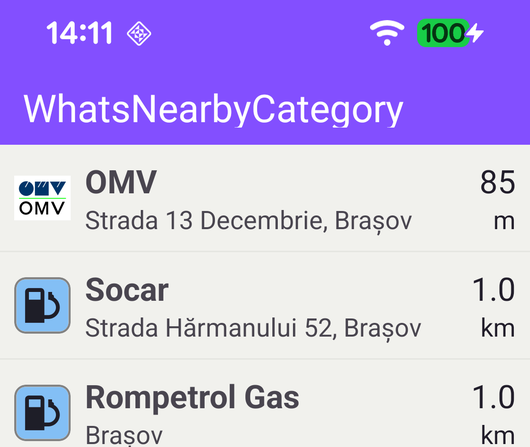
What’s Nearby Category
search for certain type of POIs, like gas stations near the current location.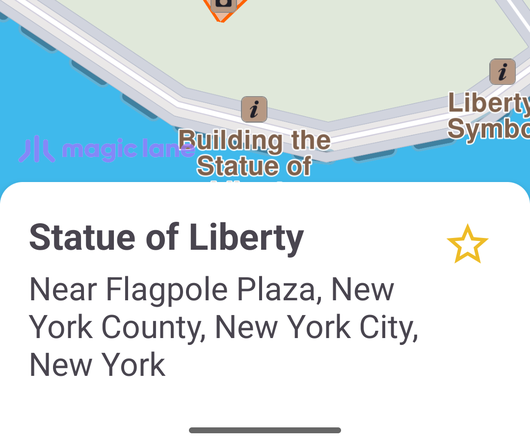
Favourites
Insert/remove a landmark into/from favourites.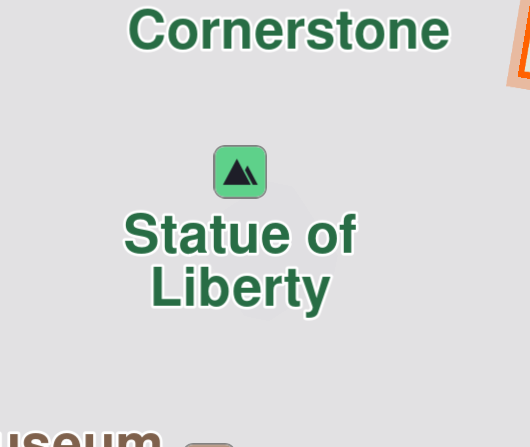
Fly To Area
Search for a landmark and fly the camera to its geographic area, highlighting its contour.
Fly To Coordinates
Fly the camera to a fixed pair of coordinates and highlight a landmark there.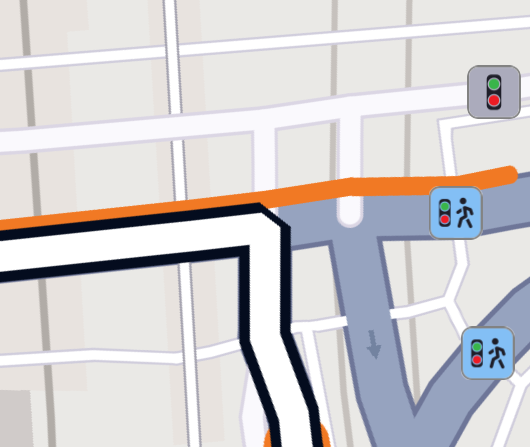
Fly To Route Instruction
Calculate a route and fly the camera to one of its instructions.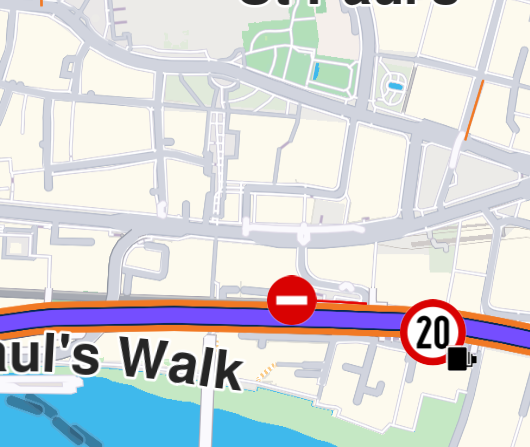
Fly To Traffic
Calculate a route and fly the camera to a traffic event along it.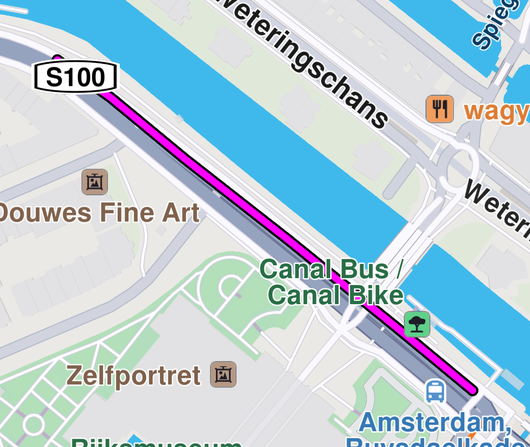
Draw Polyline
Draw a polyline on the map and fly to the location of the polyline.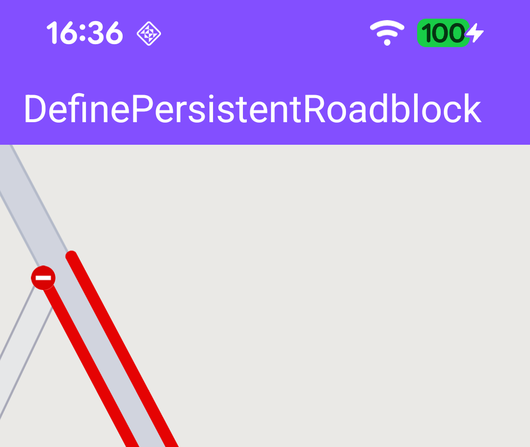
Define Persistent Roadblock
Define road block on an interactive map and fly to the road block.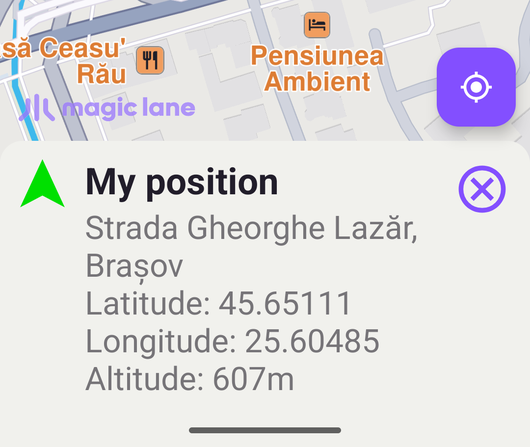
Map Selection
Compute and draw routes; select POIs.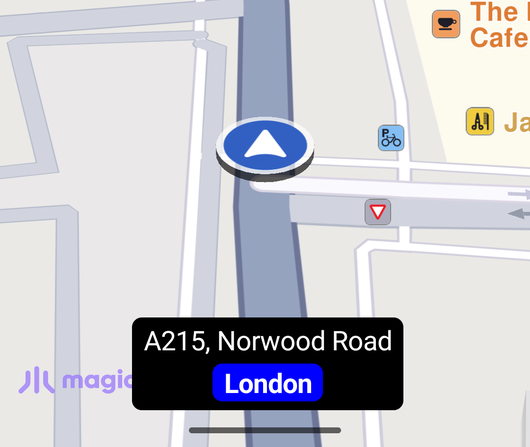
Display Current Street Info
Display the current street name, city and speed limit while following the GPS position.