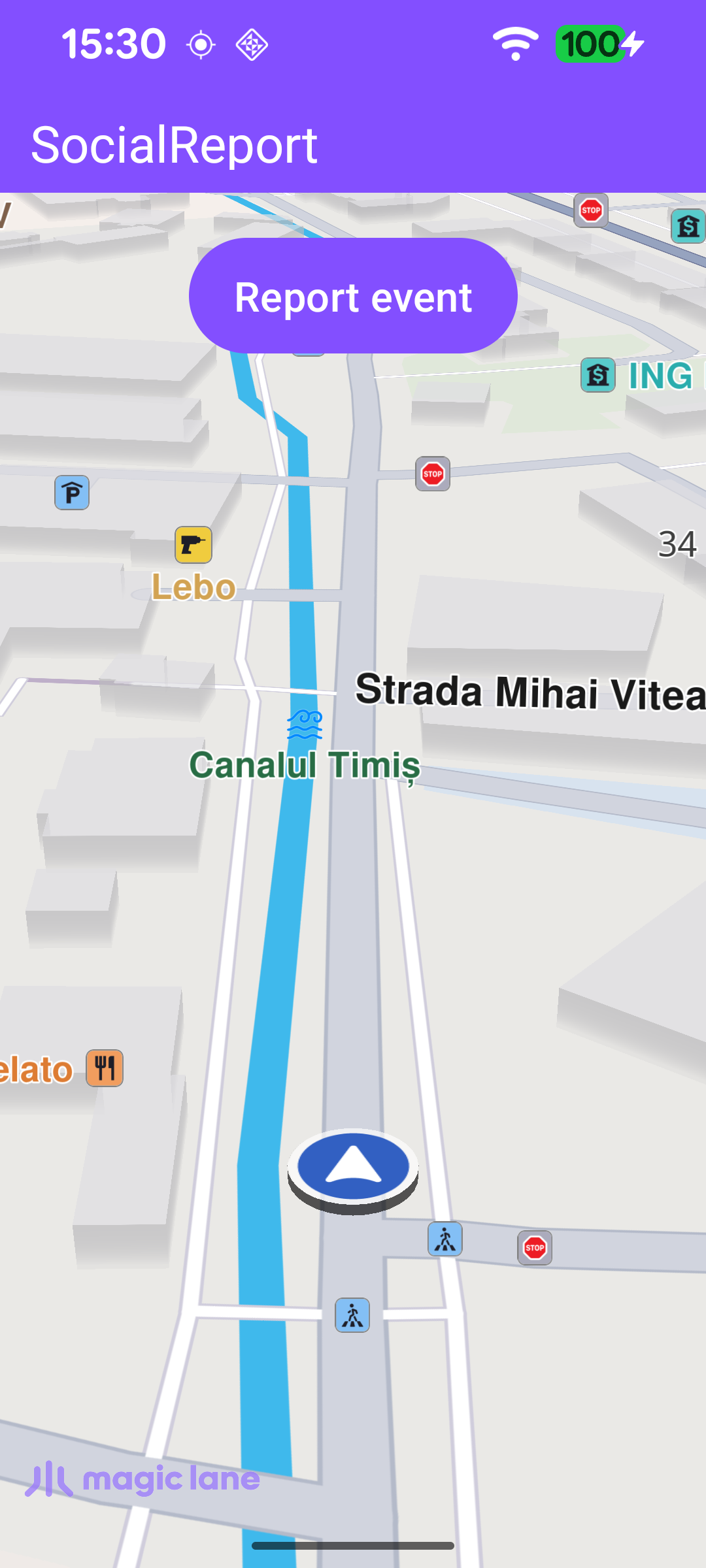
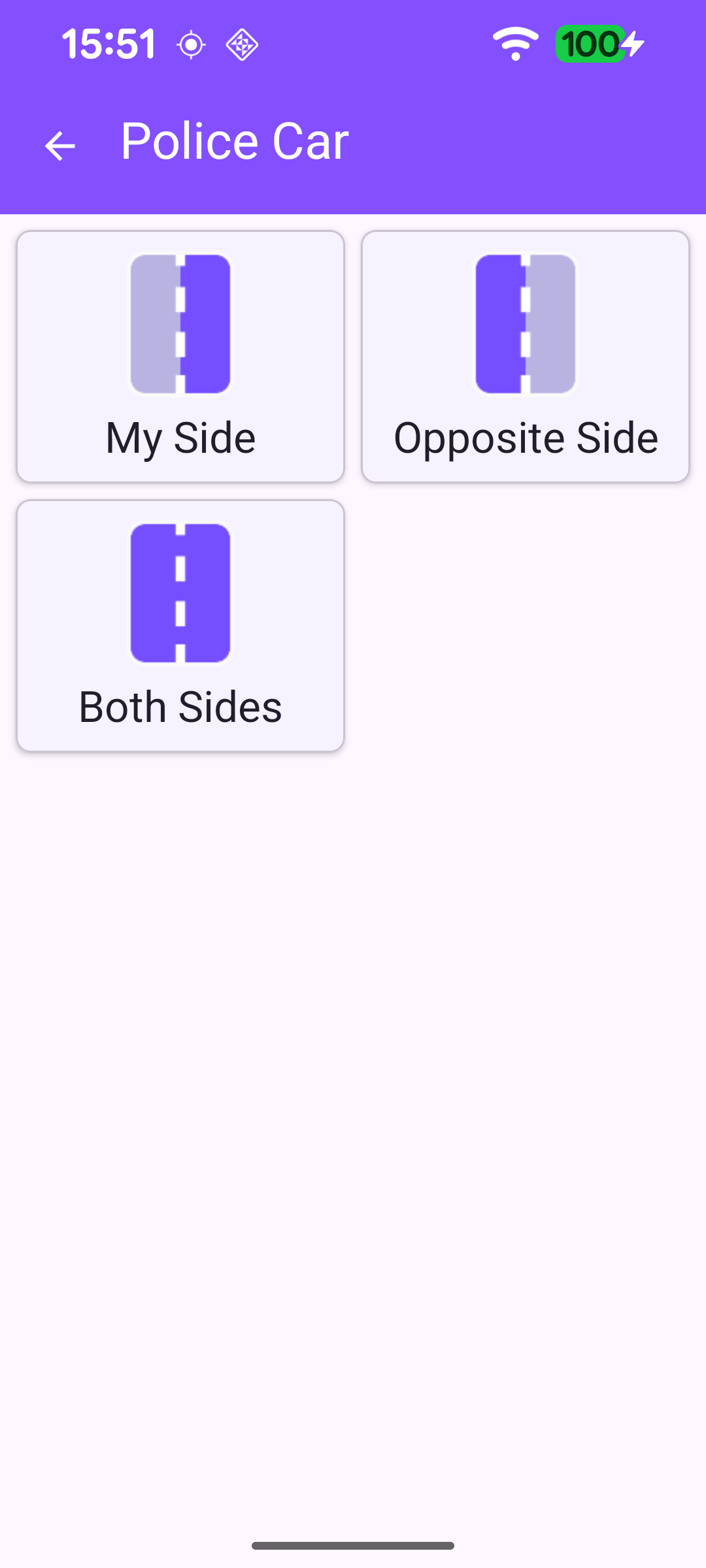
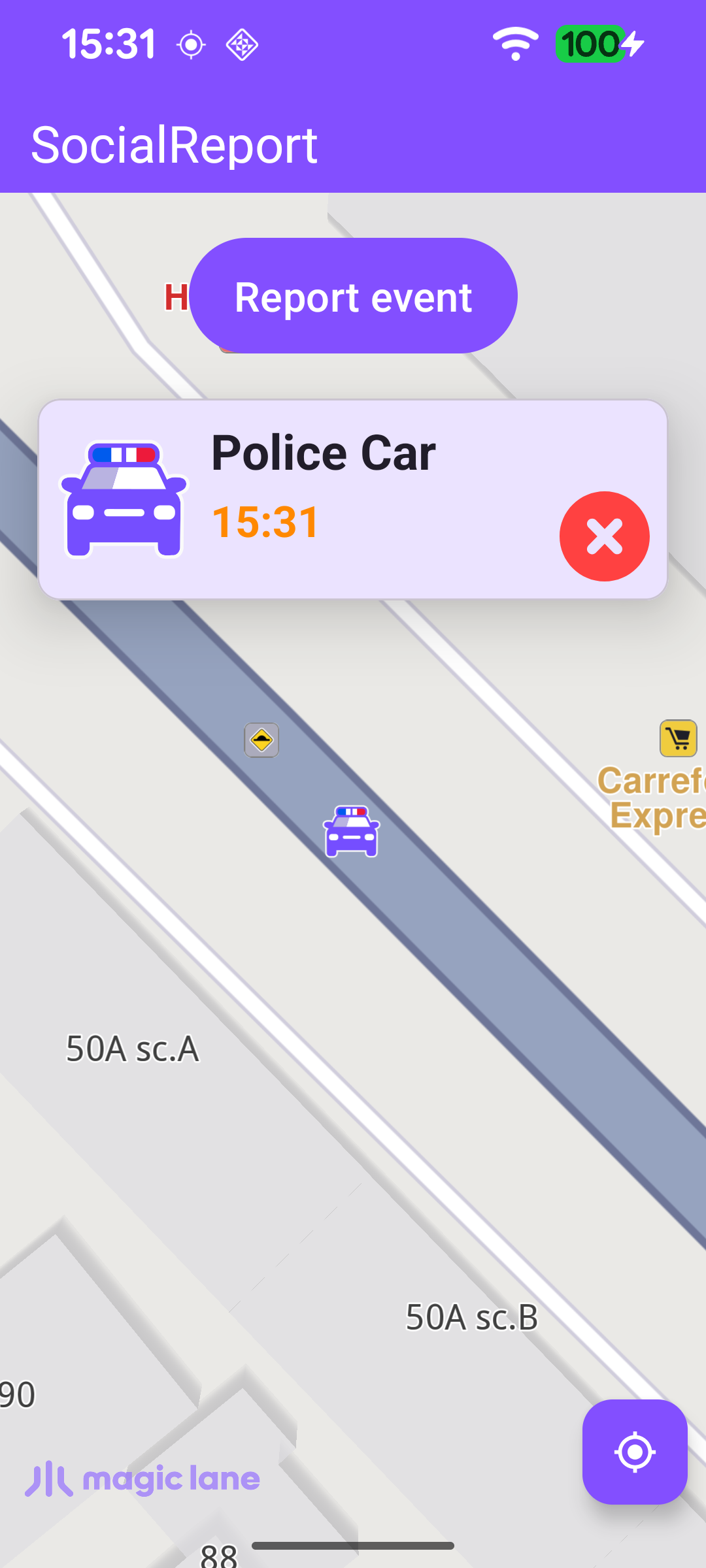
This example demonstrates how to report social events (community road events such as police, hazards or accidents) from within an app, and how to view and delete the reports you have submitted. The user picks an event type (and, where applicable, the side the event is on), the report is sent at the current position, the map centers on the new report, and tapping one of their own reports lets them delete it.
MainActivity overrides onCreate, which inflates the view binding, registers the SDK listeners, requests the location permissions needed to report at the current position, and checks for an internet connection. The Report button opens ReportCategoriesActivity, where the user chooses what to report.
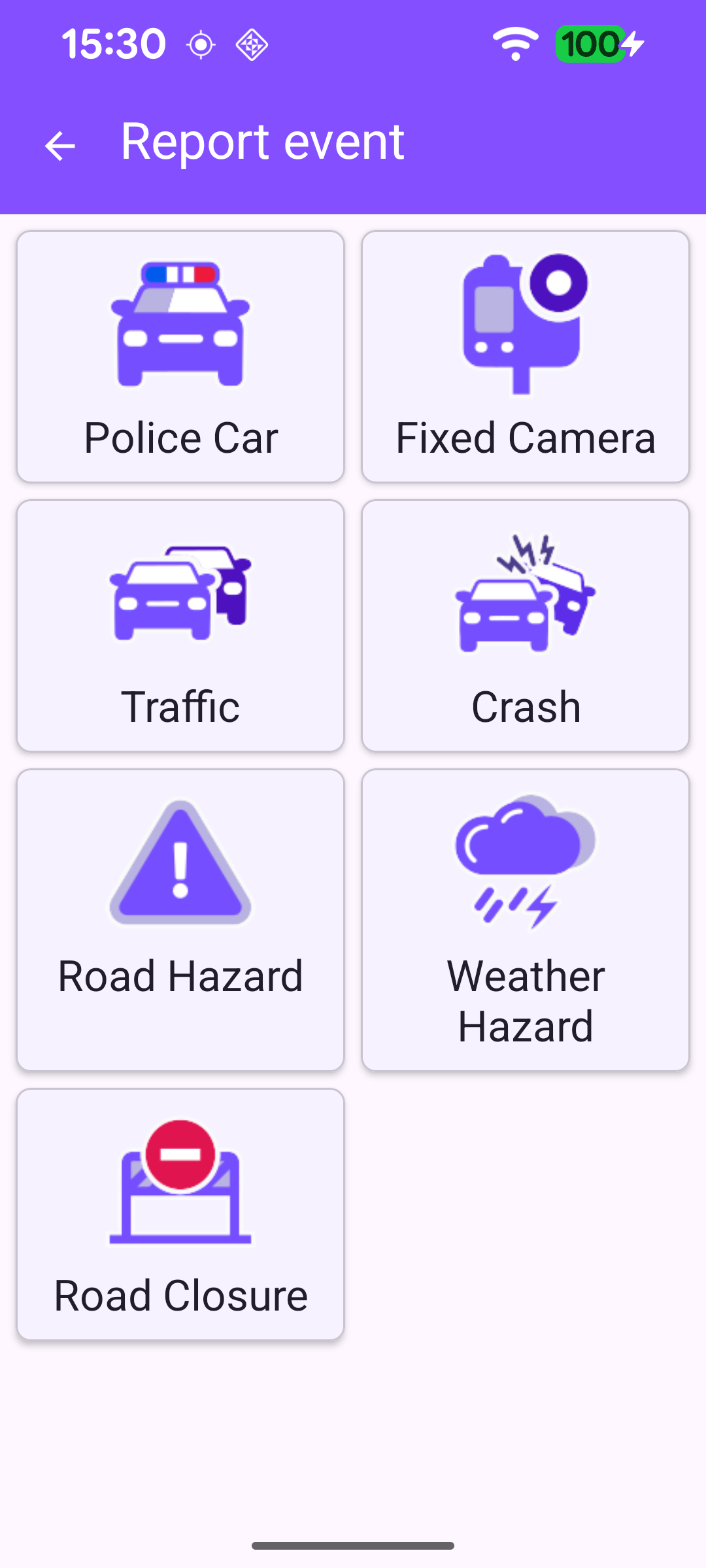
ReportCategoriesActivity shows the available report categories in a grid. The categories come from SocialOverlay.reportsOverlayInfo: the top-level list is obtained with getCategories(countryISOCode) for the current country, and a category's children with getCategory(id)?.subcategories. Each category is rendered as a card (icon + name) by the CategoryAdapter.
Tapping a category either drills into its subcategories (opening another ReportCategoriesActivity) or, if it is a leaf category, submits the report directly.
submitReport() first calls SocialOverlay.prepareReporting(), which returns a positive preparation id on success or a non-positive error code (most commonly when the GPS fix is not accurate enough). The report is then sent with SocialOverlay.report(prepareId, categoryUid, listener). On success, the activity returns to MainActivity, passing the report's coordinates so the map can center on it.
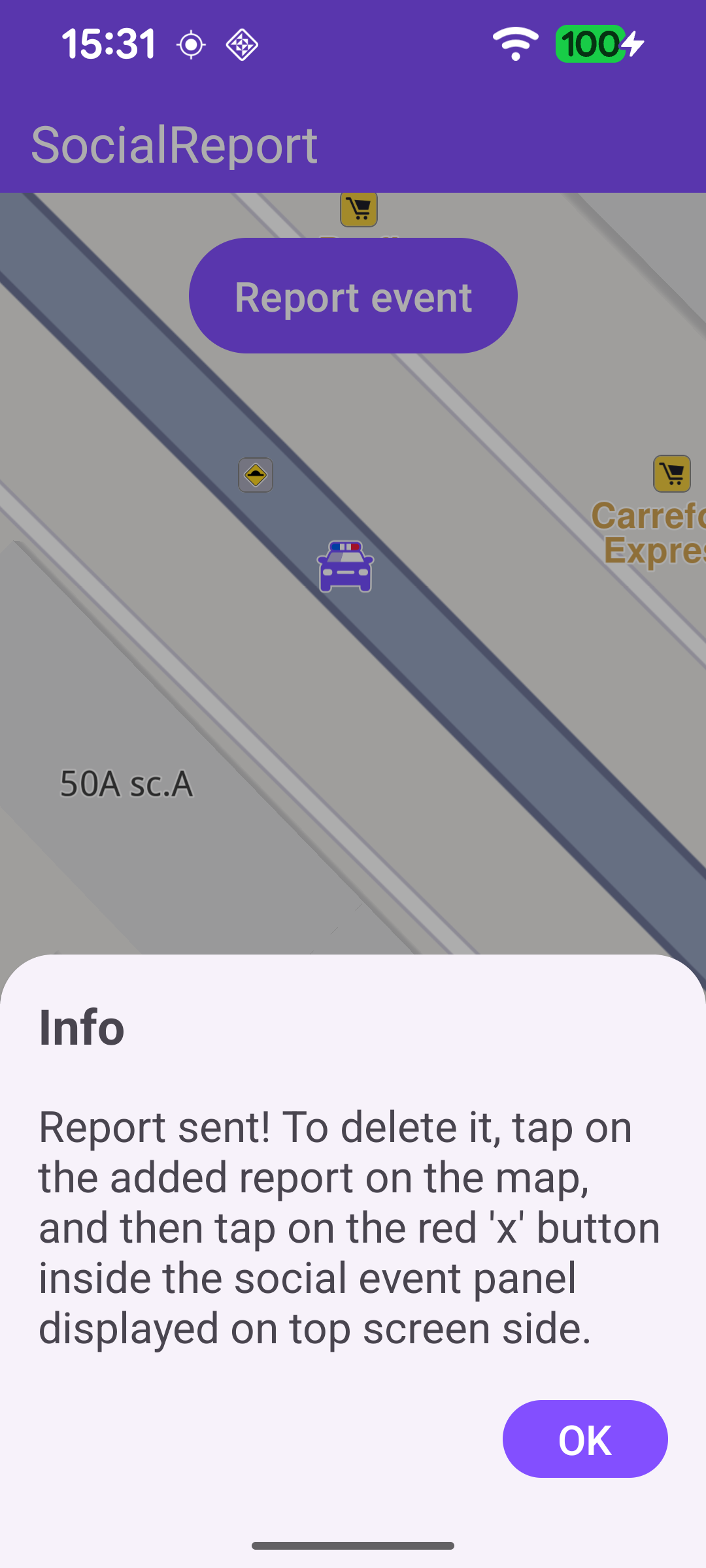
Back in MainActivity, onNewIntent receives the report's coordinates and shows a confirmation sheet. Once the sheet is laid out, the map centers on the new report with centerOnCoordinates, placing it in the part of the map left visible above the sheet.
Once the worldwide road map is available, registerSdkListeners() installs a mapView.onTouch handler. Each tap sets the cursor position and inspects the overlay items under it. fetchSocialEventInfo keeps only social-report overlays - and only those the current user may delete (their allow_delete preview flag is true) - and the event panel is shown for those.
The event panel shows the report's icon, name and time, and its delete button removes the report with SocialOverlay.deleteReport(item, deleteReportListener). On success the report simply disappears from the map; the listener only reports a failure.