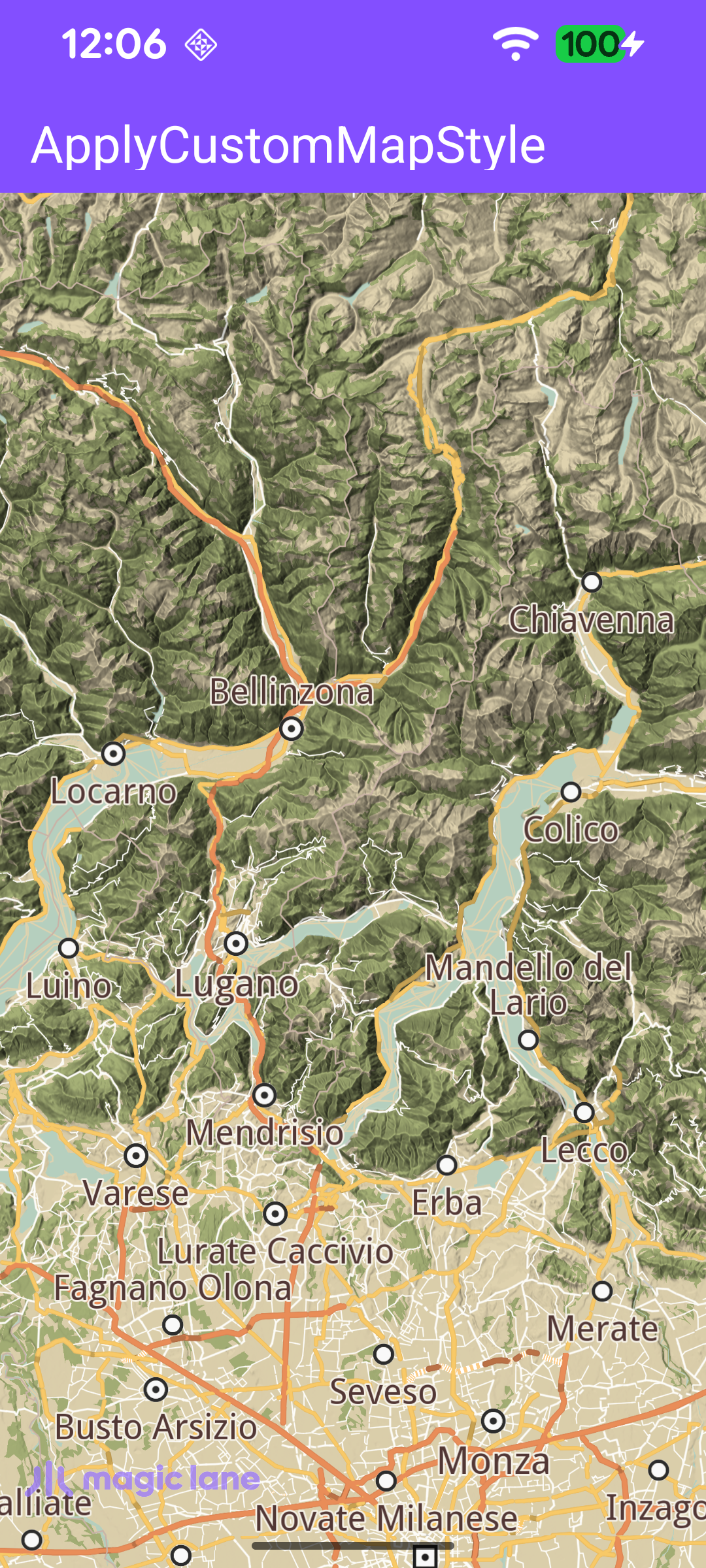
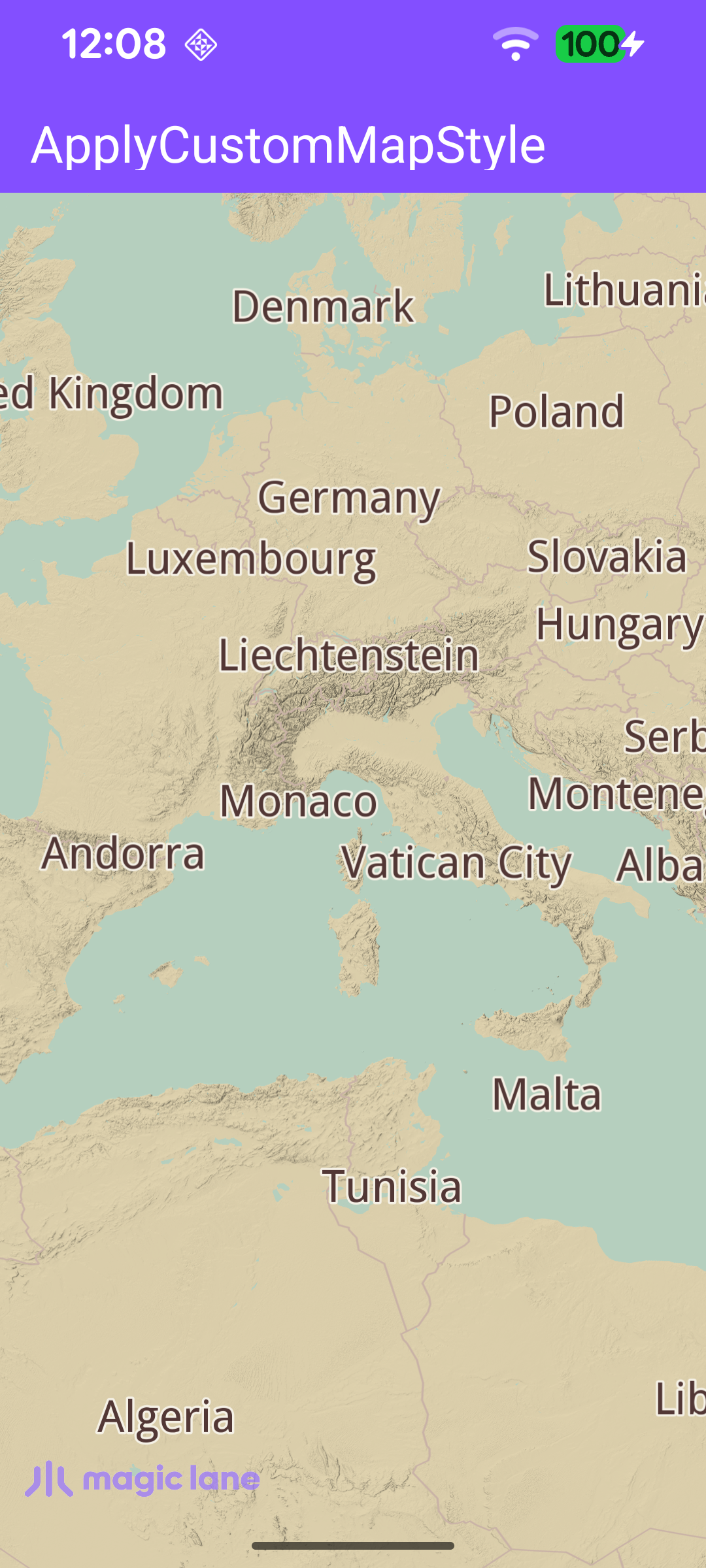
This example demonstrates how to apply a custom map style to an interactive map. The style is created in the online style editor, exported as a .style file, bundled in the project's assets folder, and applied to the map from those raw bytes - no download required at runtime.
The map is fully 3D, supporting pan, pinch-zoom, pinch-rotate and tilt.
MainActivity overrides onCreate, which inflates the view binding, calls setContentView(binding.root) for the layout in res/layout/activity_main.xml, and enables edge-to-edge drawing so the map fills the screen. It then registers the SDK listeners and checks for an internet connection (needed to load the base map data).
When the activity is destroyed, onDestroy clears the listeners, deinitializes the SDK with GemSdk.release(), and exits the process.
The style is applied as soon as the map is ready. registerSdkListeners() sets onDefaultMapViewCreated, which aligns the Magic Lane logo and then calls applyCustomAssetStyle(mapView). The other callbacks handle a failed SDK initialization, surface resizes, and a rejected API token.
applyCustomAssetStyle() is the core of the example. It opens the bundled .style file from the assets folder, reads its raw bytes, and applies them to the map with preferences?.setMapStyleByDataBuffer(DataBuffer(data)). Wrapping the bytes in a DataBuffer lets the SDK apply a style straight from memory, rather than by id like a downloaded style. The map redraws immediately with the custom appearance.
Because the map draws edge-to-edge, updateFocusViewport() keeps the Magic Lane logo visible by setting the map view's focusViewport to the area free of the system window insets. Map access runs on the SDK thread inside SdkCall.runSynced.
clearSdkListeners() is called from onDestroy to detach every SDK callback before the activity goes away, so a late callback can never reach a destroyed activity.