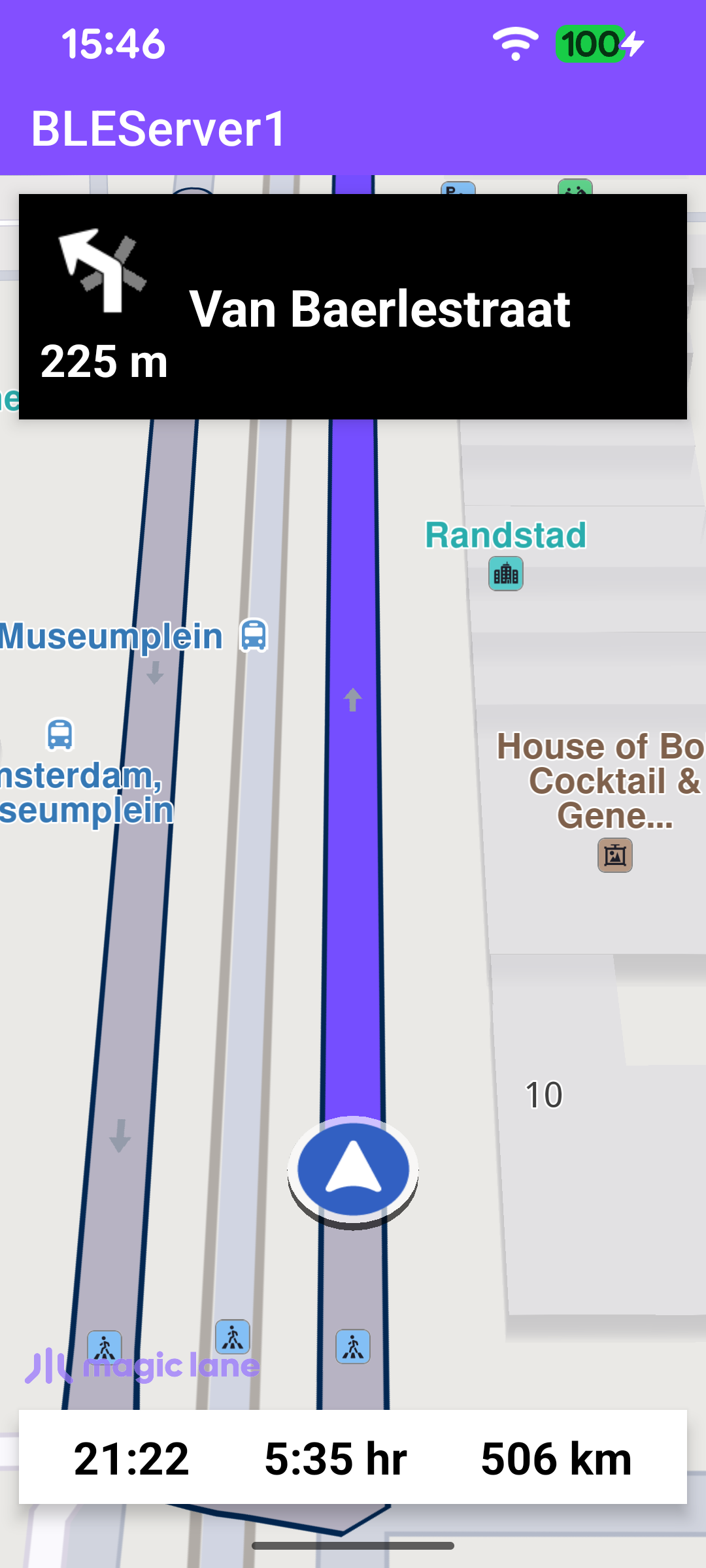
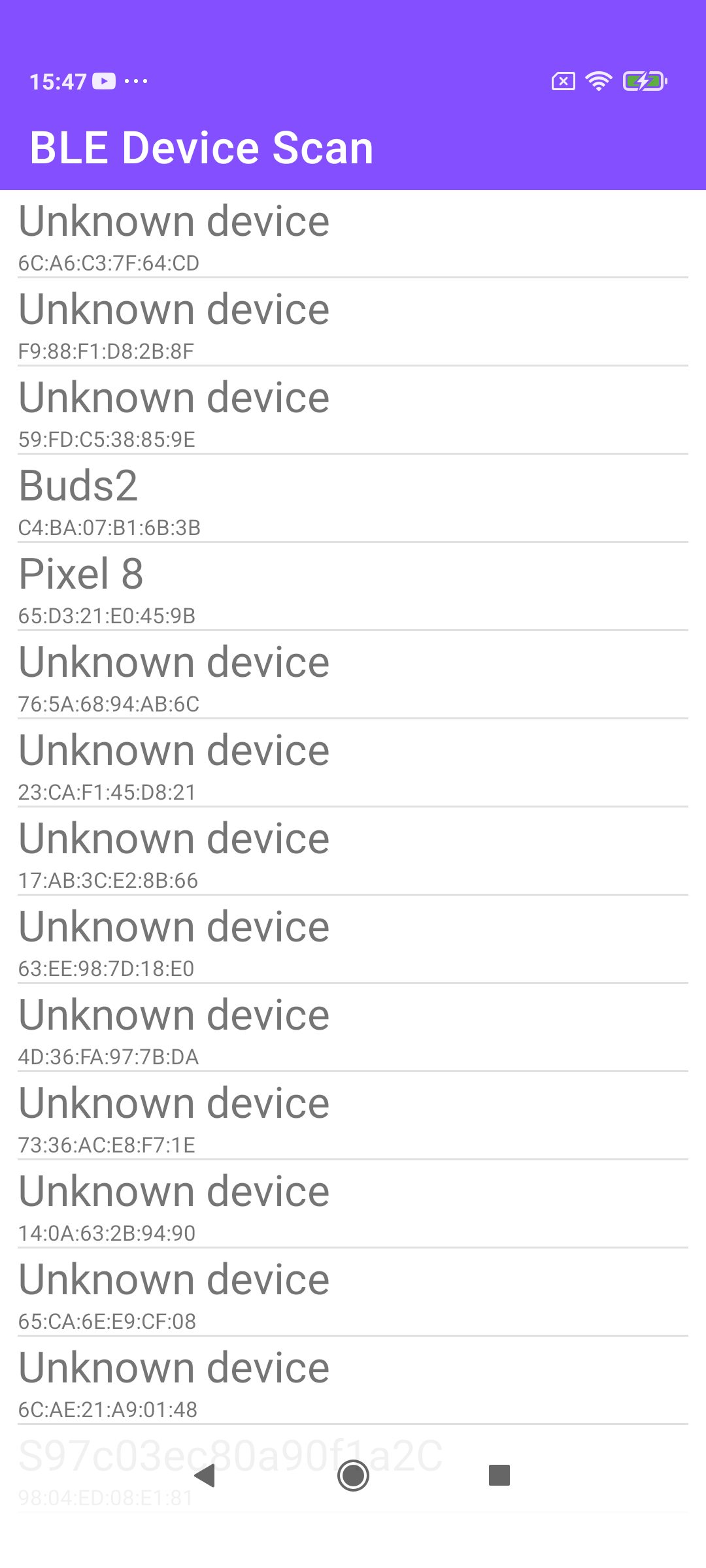
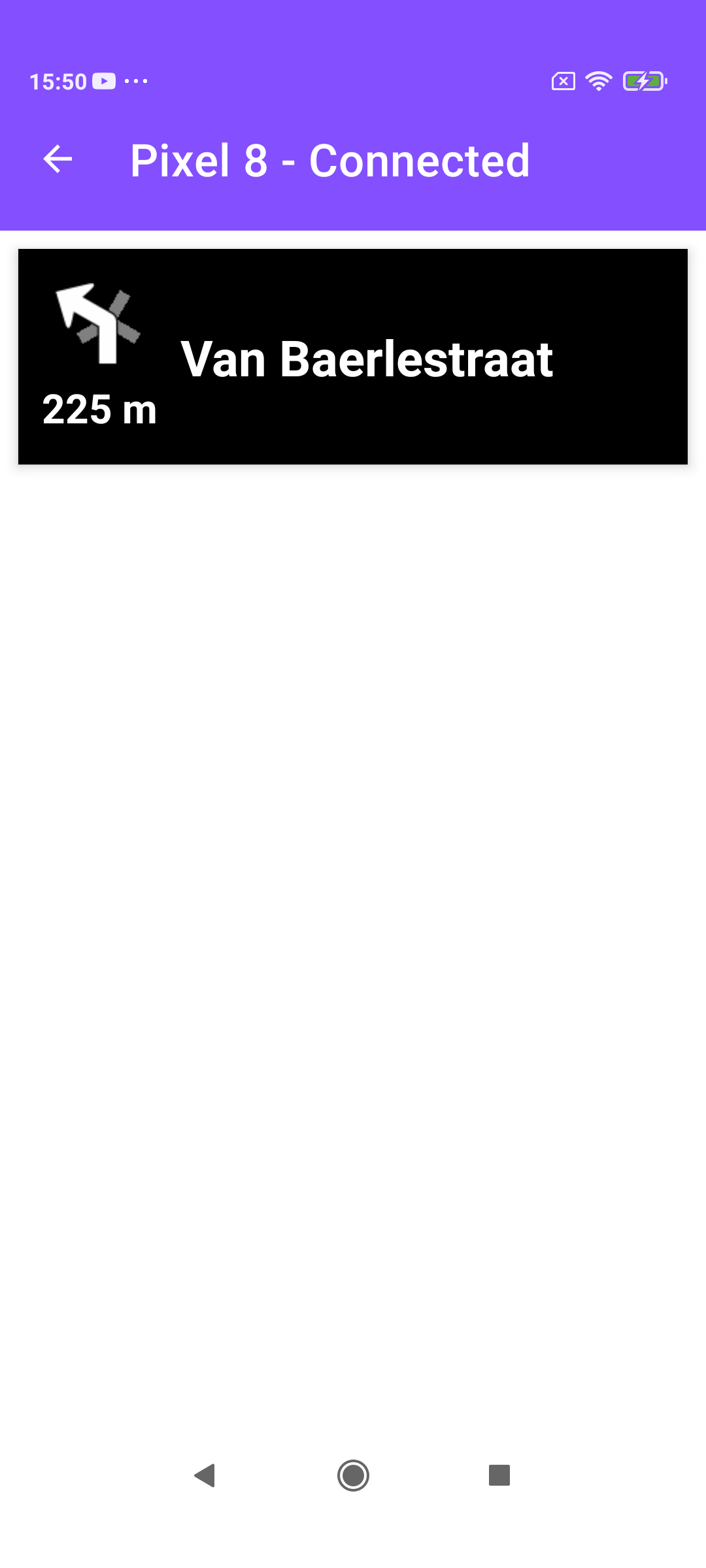
These two companion examples are a variant of BLEServer - BLEClient. They stream the same turn-by-turn navigation over Bluetooth Low Energy (GATT) - instruction text, distance to the turn, and a turn icon - but they differ in how the turn icon is transferred. Instead of sending a 4-byte turn-event code that the client maps to one of its own bundled drawables, BLEServer1 renders the SDK turn arrow to a bitmap, converts it to a compact grayscale stream, and sends the pixels over BLE; BLEClient1 reassembles those pixels and rebuilds the bitmap to display. The result is that the client shows the exact arrow the SDK drew - including secondary roads at the junction - without shipping any turn-arrow assets of its own.
Everything else - scanning, connecting, service discovery, subscribing, and the instruction/distance characteristics - works exactly as in the sibling example, so the sections below focus on the bitmap path.
As before, the server and client agree on a service UUID and three characteristic UUIDs (turn instruction, turn image, turn distance), plus the standard client-config descriptor. They are declared in the MainActivity companion object.
val CLIENT_CONFIG: UUID = UUID.fromString("00002902-0000-1000-8000-00805f9b34fb")
/* Mandatory Current Turn Instruction Characteristic */
val TURN_INSTRUCTION: UUID = UUID.fromString("00002a2b-0000-1000-8000-00805f9b34fb")
/* Mandatory Current Turn Image Characteristic */
val TURN_IMAGE: UUID = UUID.fromString("00002a0f-0000-1000-8000-00805f9b34fb")
/* Mandatory Current Turn DISTANCE Characteristic */
val TURN_DISTANCE: UUID = UUID.fromString("00002a2f-0000-1000-8000-00805f9b34fb")
}
createNavigationService builds the GATT service from those UUIDs - each characteristic is readable and notifiable, and the instruction characteristic carries the client-config descriptor used for subscriptions. The service is added to the GATT server in startServer, which is started alongside BLE advertising once Bluetooth is on.
Once the worldwide road map is up to date, the server starts a simulated route from Amsterdam to Paris with a NavigationService. Each instruction update refreshes the on-screen panels and pushes the new instruction, distance, and turn icon to the subscribed clients.
When the turn changes, getNextTurnImage renders the SDK's abstract turn geometry to a Bitmap, kept in turnImage. Before sending, transformBitmapToGrayscale flattens that bitmap into one byte per pixel: the alpha-weighted luminance. The encoding reserves odd byte values to mark the red active-arrow pixels and keeps everything else even, so the client can tell the arrow apart from its outline when it rebuilds the image.
sendTurnImage transmits the grayscale buffer row by row using a simple run-length scheme: for each line it sends the first/last non-empty x positions (and the longest empty zone inside that interval, when present), then streams only the meaningful pixels in 20-byte BLE chunks. A leading 1 byte marks the start of a new image, and a 0 byte (sent when navigation ends) tells the client to clear the icon. The image dimensions themselves are returned from the read request on the TURN_IMAGE characteristic.
// For each row: find the first/last non-empty pixels (minX..maxX) and the
// longest empty zone (minX1..maxX1) inside the (minX..maxX) interval, send
// those bounds, then the "non empty" pixels.
// ...
}
}
}
The client first reads the TURN_IMAGE characteristic to learn the icon size; the server answers with the side length and total pixel count packed as two ints.
Scanning for devices, connecting to the GATT server, discovering the navigation service, and subscribing to notifications all work exactly as in BLEServer - BLEClient. The instruction text and distance are handled the same way too; only the turn-image handling is different.
BLEService.broadcastUpdate rebuilds the grayscale buffer from the incoming TURN_IMAGE packets, mirroring the server's encoding. An 8-byte packet carries the image dimensions (read with read4BytesFromBuffer), a 1-byte packet signals start (1) or clear (0), 2- and 4-byte packets carry per-row bounds, and the remaining packets fill in pixel runs. Once a full image has been assembled, it is forwarded in an ACTION_DATA_AVAILABLE broadcast tagged with type 2.
NavigationActivity.createBitmap turns the reassembled grayscale bytes back into an ARGB_8888 bitmap, applying the same odd/even convention the server used: odd values become red arrow pixels, even values become opaque gray. The receiver then sets the bitmap on the turn-icon view.