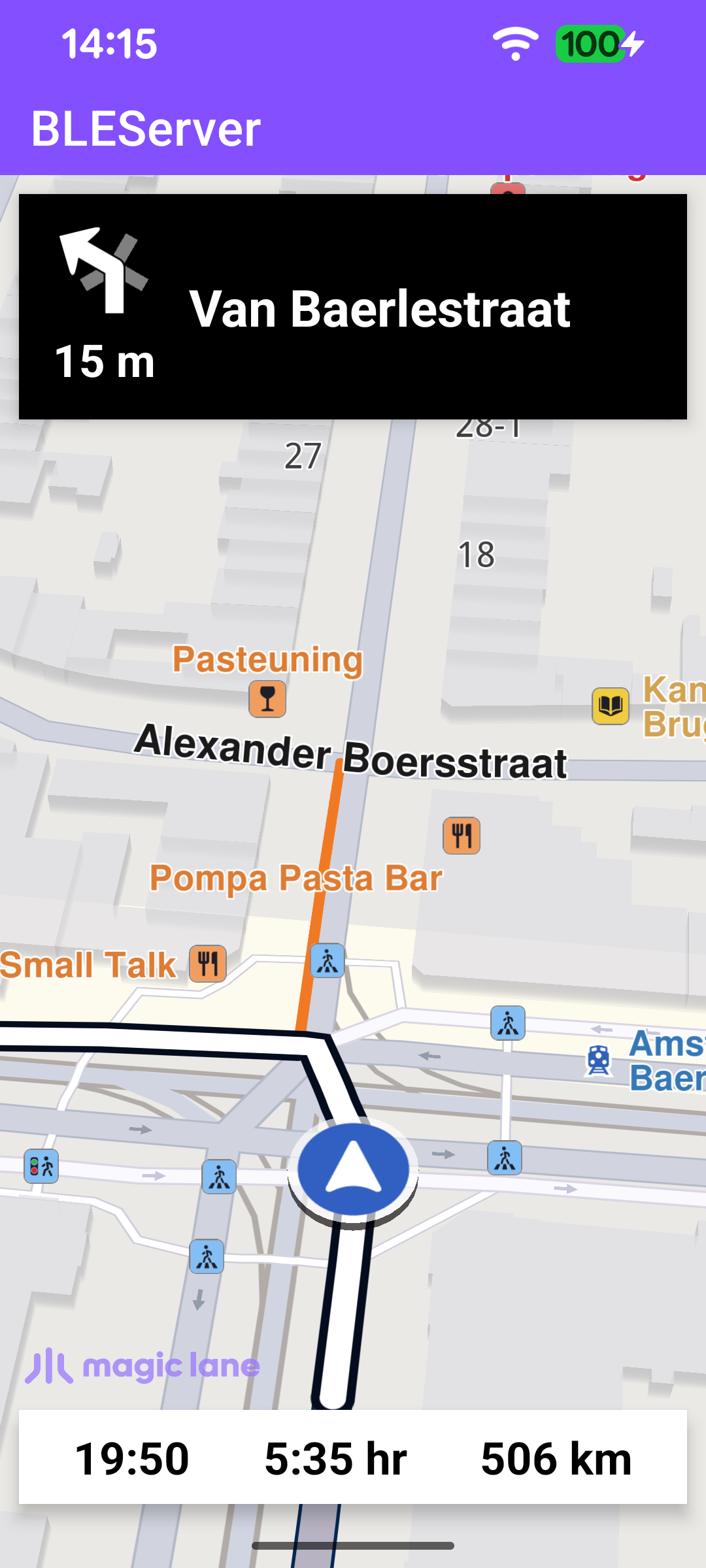
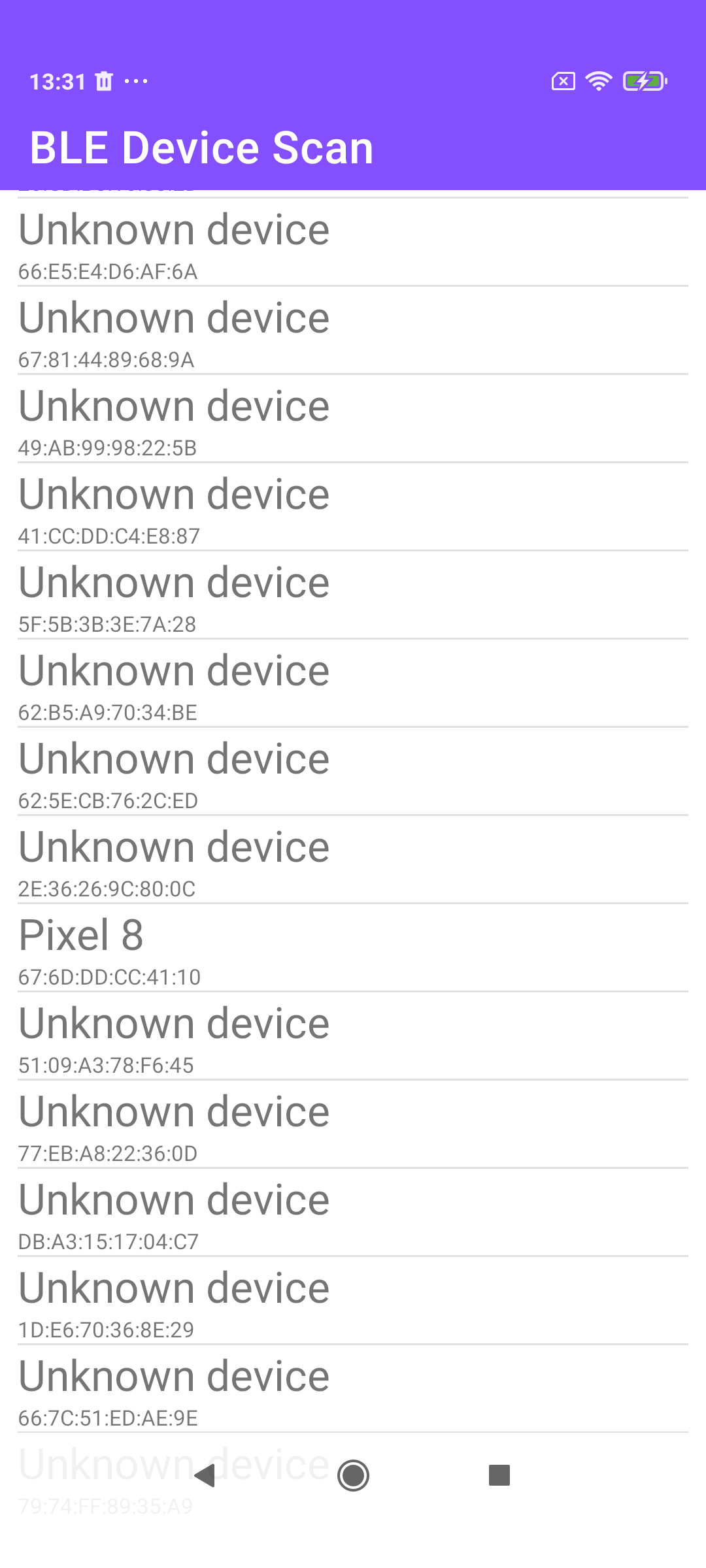
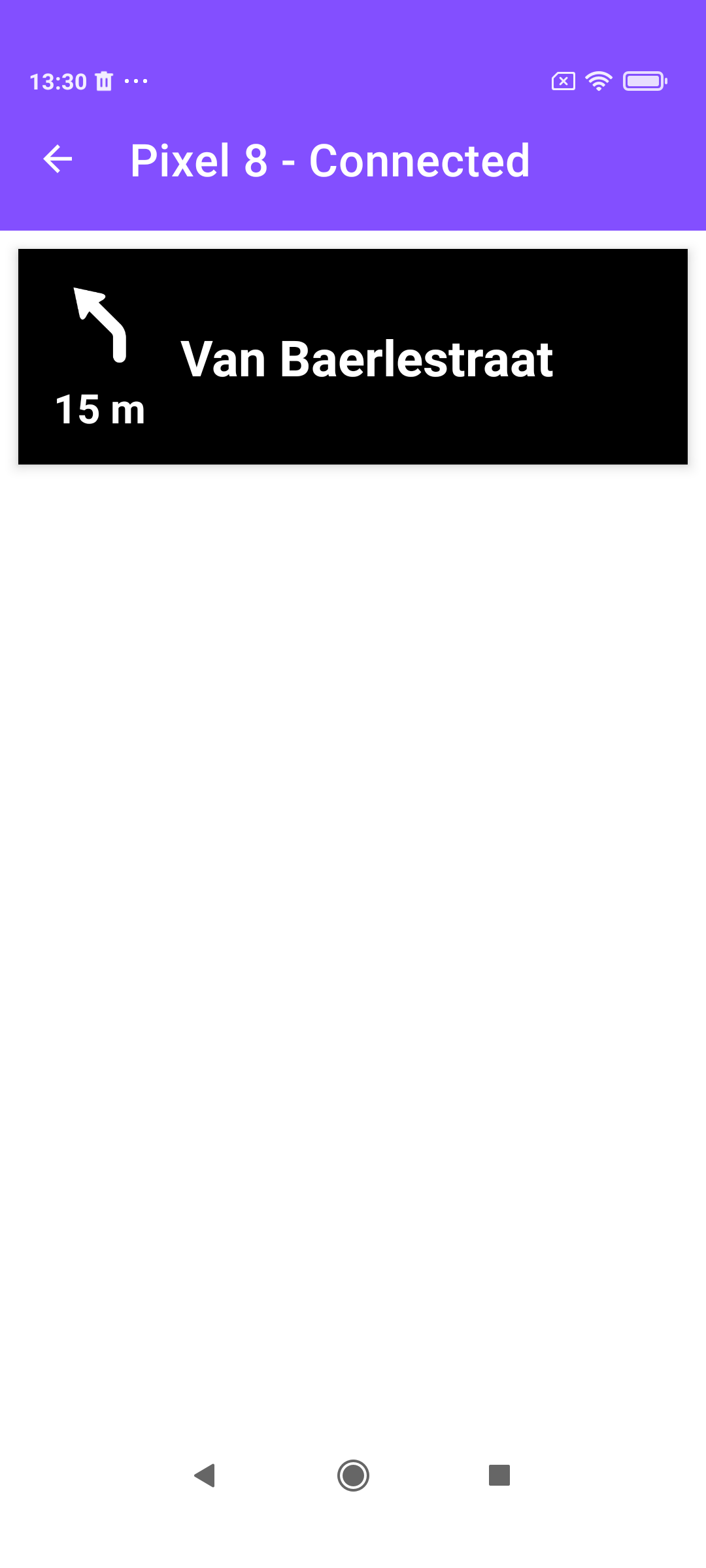
These two companion examples stream turn-by-turn navigation over Bluetooth Low Energy (BLE). BLEServer runs a simulated route, renders it on a map, and publishes the next-turn data - instruction text, distance to the turn, and a turn-event code - as a BLE GATT service. BLEClient scans for nearby BLE devices, connects to the server, discovers that navigation service, subscribes to its characteristics, and displays the instructions it receives, without a map of its own. Together they show how a phone running navigation can drive a separate accessory display (for example, a smart watch or a bike computer).
Both apps agree on a small set of GATT UUIDs: one navigation service containing three characteristics - turn instruction, turn image (event), and turn distance - each notifiable through the standard client-config descriptor.
The server and client share the same UUIDs. On the server they live in the MainActivity companion object: one service UUID and three characteristic UUIDs, plus the standard client-characteristic-configuration descriptor used to toggle notifications.
/** Bluetooth GATT service UUID for the navigation data. */
val NAVIGATION_SERVICE: UUID = UUID.fromString("00011805-0000-1000-8000-00805f9b34fb")
/** Standard Client Characteristic Config Descriptor UUID. */
val CLIENT_CONFIG: UUID = UUID.fromString("00002902-0000-1000-8000-00805f9b34fb")
/** Characteristic UUID carrying the next turn instruction text. */
val TURN_INSTRUCTION: UUID = UUID.fromString("00012a2b-0000-1000-8000-00805f9b34fb")
/** Characteristic UUID carrying the 4-byte turn event type / roundabout data. */
val TURN_IMAGE: UUID = UUID.fromString("00012a0f-0000-1000-8000-00805f9b34fb")
/** Characteristic UUID carrying the distance to the next turn. */
val TURN_DISTANCE: UUID = UUID.fromString("00012a2f-0000-1000-8000-00805f9b34fb")
}
NavBluetoothManager builds the GATT service from those UUIDs. Each characteristic is read-only and supports notifications, and each is given a writable CLIENT_CONFIG descriptor so clients can subscribe. The characteristics are then added to a single primary service.
start() opens the GATT server and begins BLE advertising so clients can discover it. The advertisement is connectable and includes the device name and the navigation service UUID; the GATT server is opened with the callback that handles client read/write requests.
Once the worldwide road map is up to date, the server starts a simulated route from Amsterdam to Paris with a NavigationService. The navigationListener receives instruction updates as the simulation advances; those updates are what gets pushed to subscribed BLE clients.
Whenever an instruction changes, the listener updates the on-screen panels and pushes the new values to the connected devices: the turn-event bytes go to TURN_IMAGE, the instruction text to TURN_INSTRUCTION, and the distance to TURN_DISTANCE. Each value is only sent when it actually changes.
// Check whether the turn icon changed and notify BLE devices if so.
val sameTurnImage =TSameImage()
val newTurnImage =getNextTurnImage(instr, turnImageSize, turnImageSize, sameTurnImage)
if(!sameTurnImage.value){
// ... pack the turn event / roundabout data into the turnEvent byte array ...
binding.navIcon.setImageBitmap(newTurnImage)
notifyRegisteredDevices(turnEvent, TURN_IMAGE)
}
if(instrText != binding.navInstruction.text){
binding.navInstruction.text = instrText
sendTurnInstruction()
}
if(instrDistance != binding.instrDistance.text){
binding.instrDistance.text = instrDistance
sendTurnDistance()
}
The instruction text can exceed the ~20-byte BLE notification payload, so sendTurnInstruction first sends a one-byte length header and then streams the text in 20-byte chunks - the client reassembles them on the other side.
MainActivity lists the BLE devices it finds. Scanning runs for a fixed period through the system BluetoothLeScanner; every result is added to the list adapter, and tapping a device opens the NavigationActivity for that address.
Connecting and discovering the navigation service
The connection logic lives in BLEService. connect opens a GATT connection to the chosen device; when the connection succeeds, the GATT callback calls discoverServices(). Once services are discovered, NavigationActivity.parseGattServices locates the navigation service by its UUID and kicks off the first characteristic read.
After the initial reads chain through the characteristics, the client enables notifications on each notifiable characteristic. This both flips the local notification flag and writes the standard ENABLE_NOTIFICATION_VALUE to the CLIENT_CONFIG descriptor - which is exactly what the server's onDescriptorWriteRequest uses to register the device as a subscriber.
Incoming notifications arrive in BLEService.broadcastUpdate. The turn instruction is reassembled from its chunks (using the length header sent first), while distance and turn-event payloads are forwarded directly. Each value is wrapped in an ACTION_DATA_AVAILABLE broadcast tagged with a type code.
NavigationActivity listens for those broadcasts and updates its panel: the instruction text and distance are set straight onto the views, and the turn-event bytes are mapped to a local turn-arrow drawable.